RestroBuddy POS
Your restaurant. Your data. Your system.
Reception for the front desk, Captain for the floor, and Owner for keeping an eye on things remotely — one order-to-bill system running on your own PC, built for GST/INR billing.
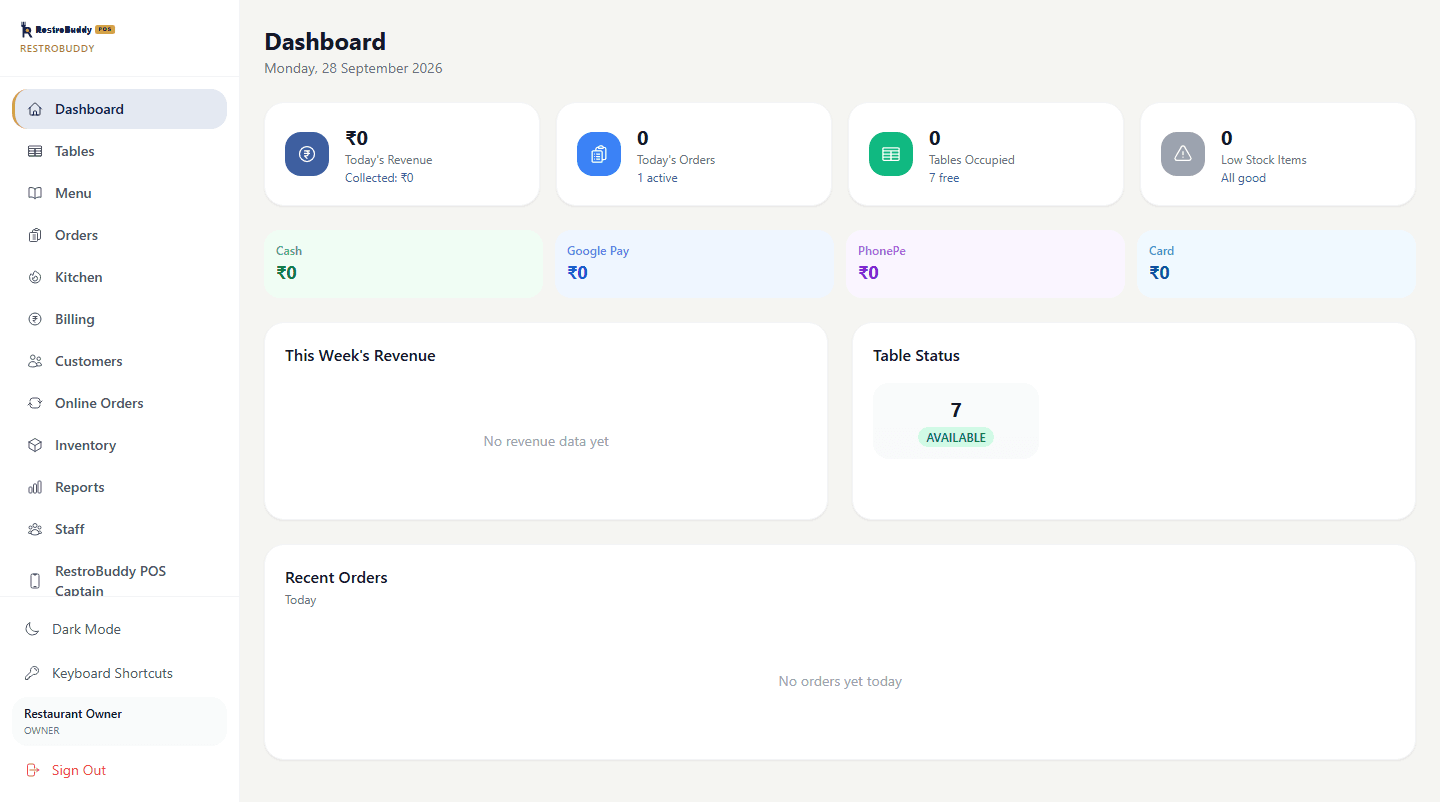
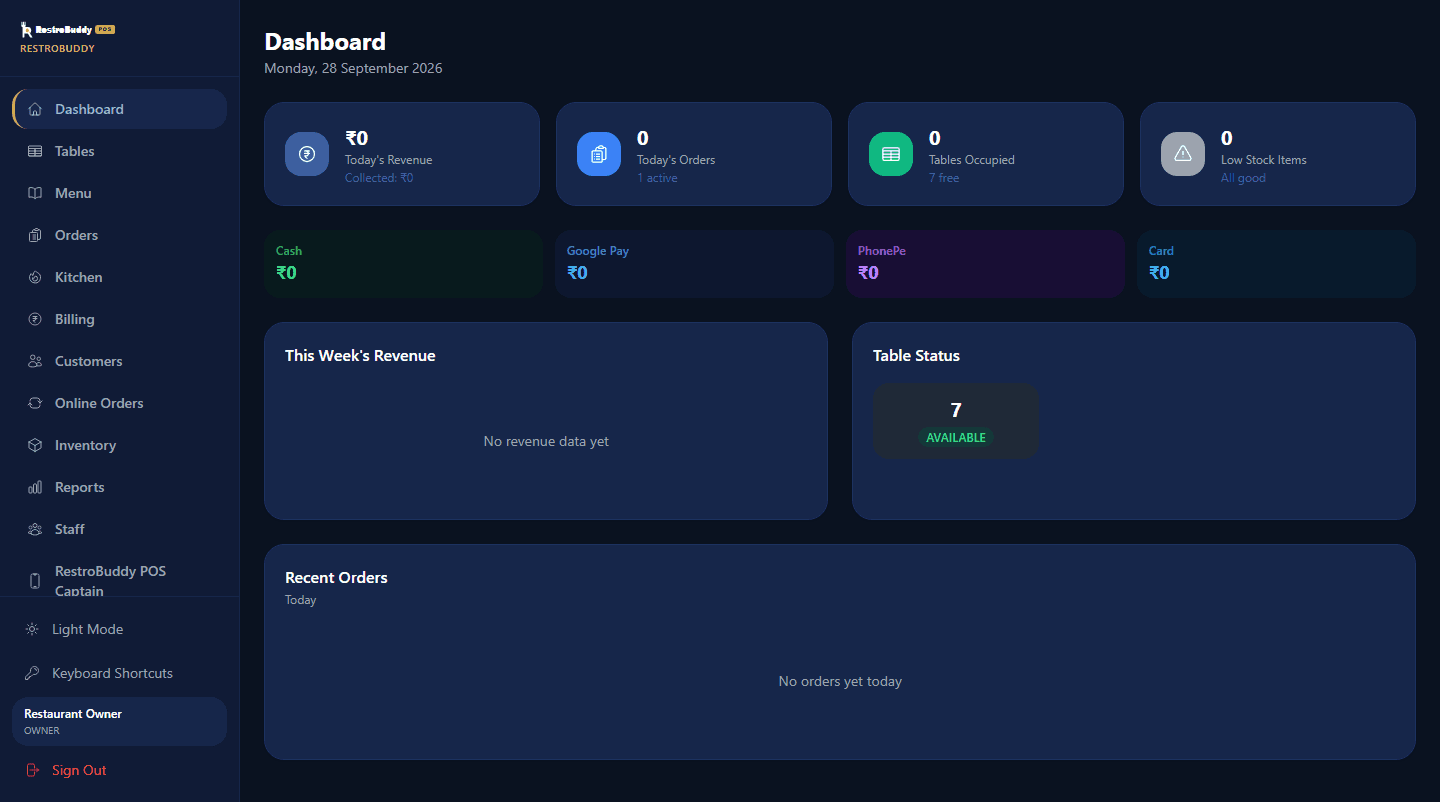
Real RestroBuddy POS screenshot — demo data.
RestroBuddy POS runs the order-to-bill flow for one restaurant, on one PC in that restaurant, over its own network. No mandatory subscription to a cloud service just to take an order, print a KOT, or settle a bill — the software you install is the software that runs your floor.
How it works
Watch RestroBuddy POS operate.
Table → Captain → POS → KOT → Kitchen → Billing → Payment — one continuous flow, not six disconnected screens.


See the real screens.
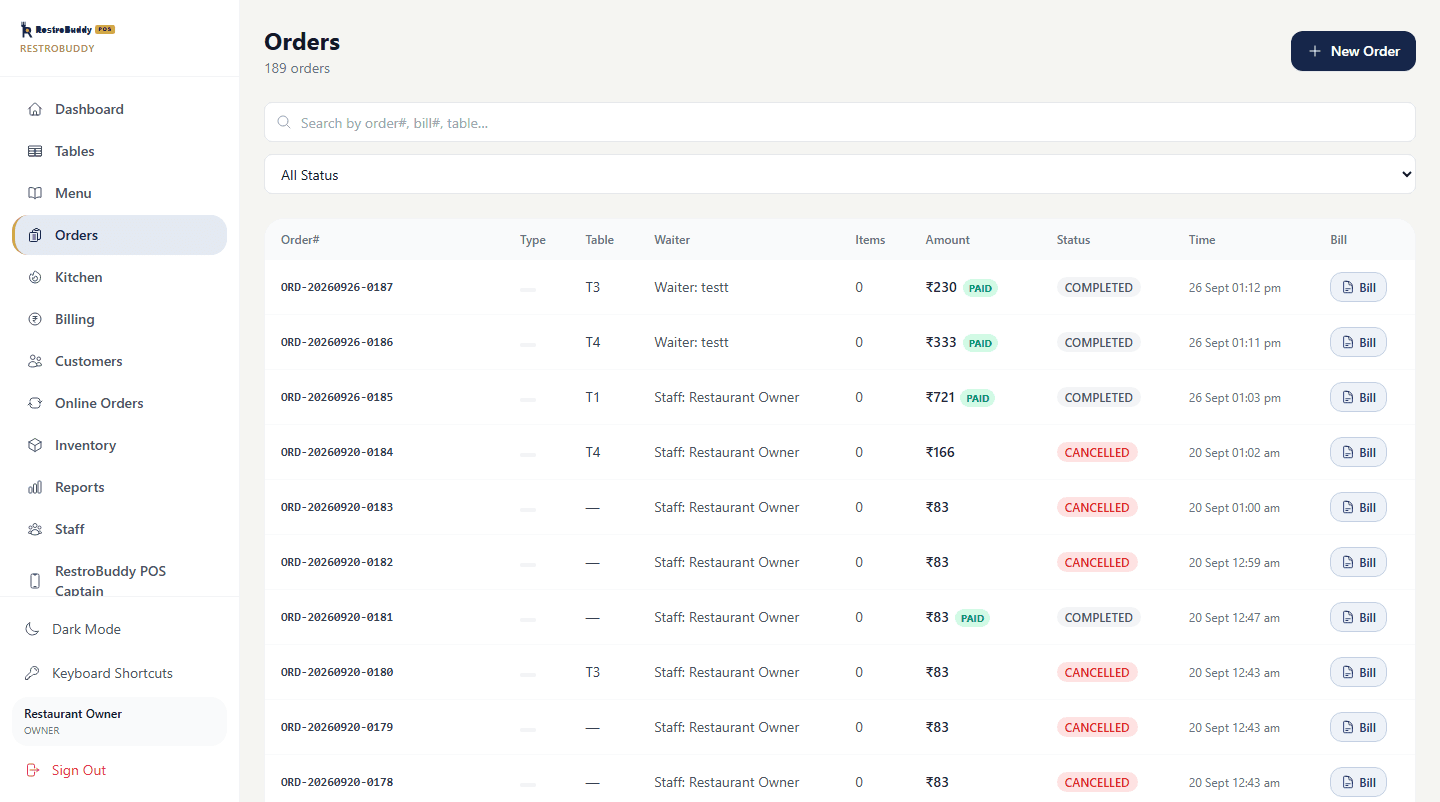
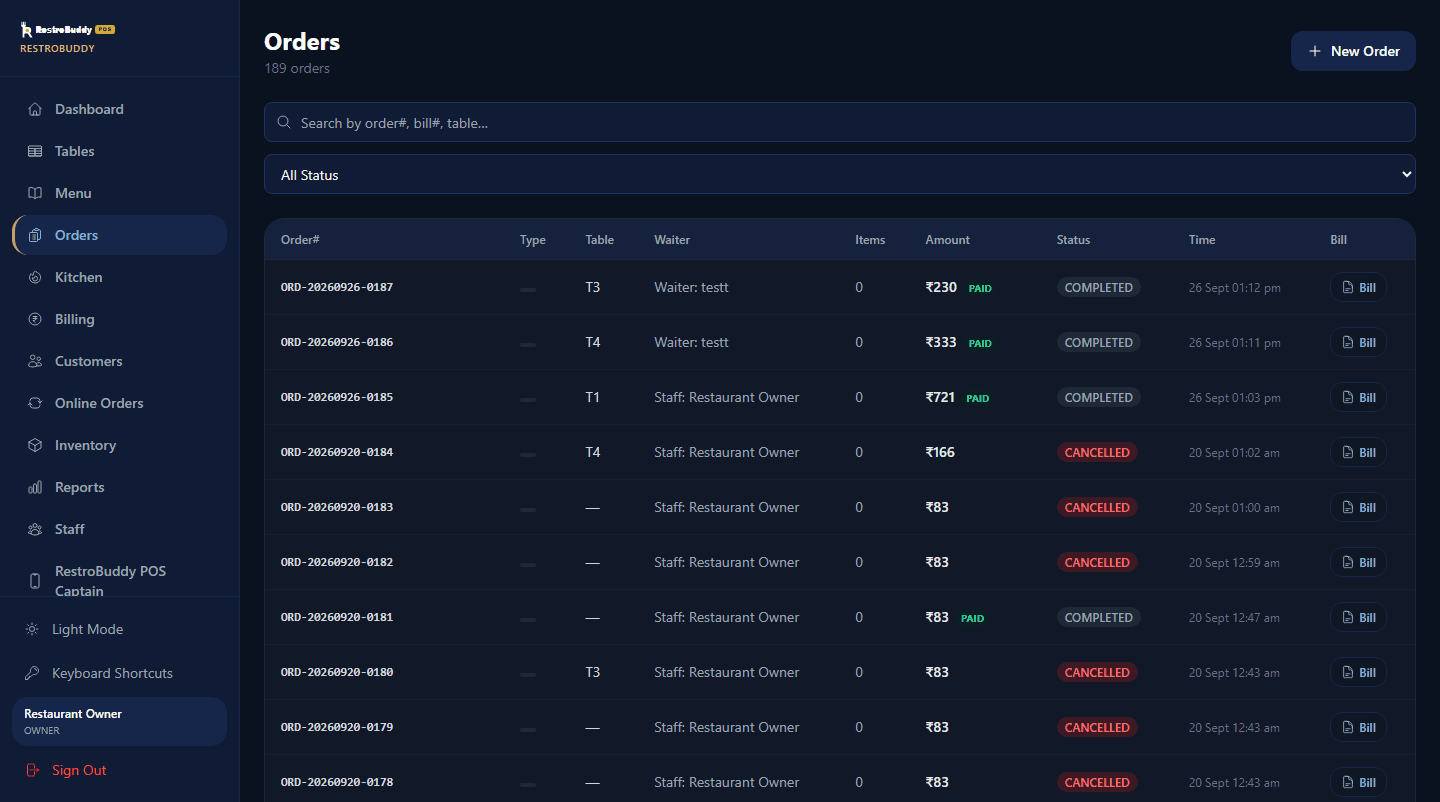
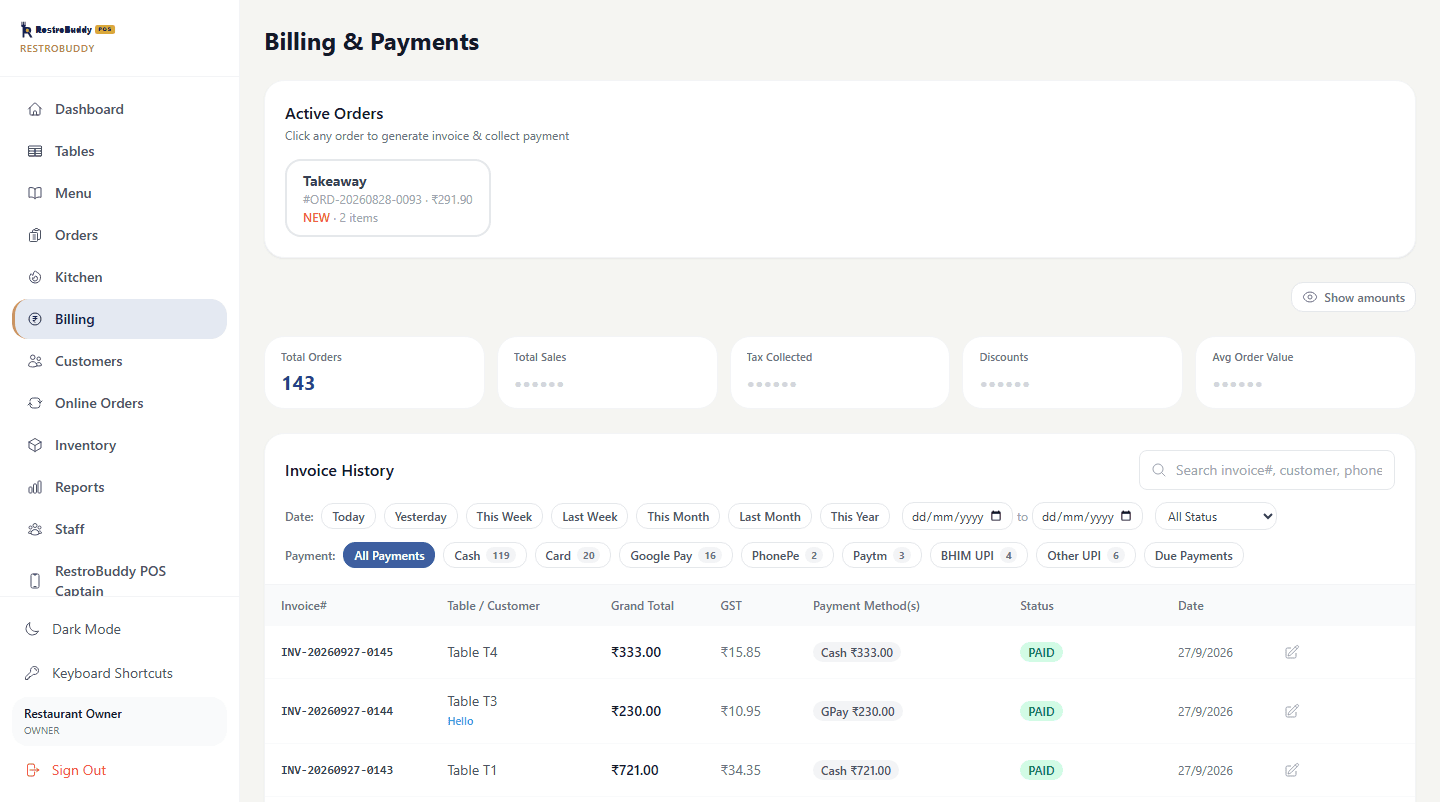
Every screenshot below is the real RestroBuddy POS Reception app, running on demo data — drag, use the arrows, or the dots below to browse. Arrow keys work too.
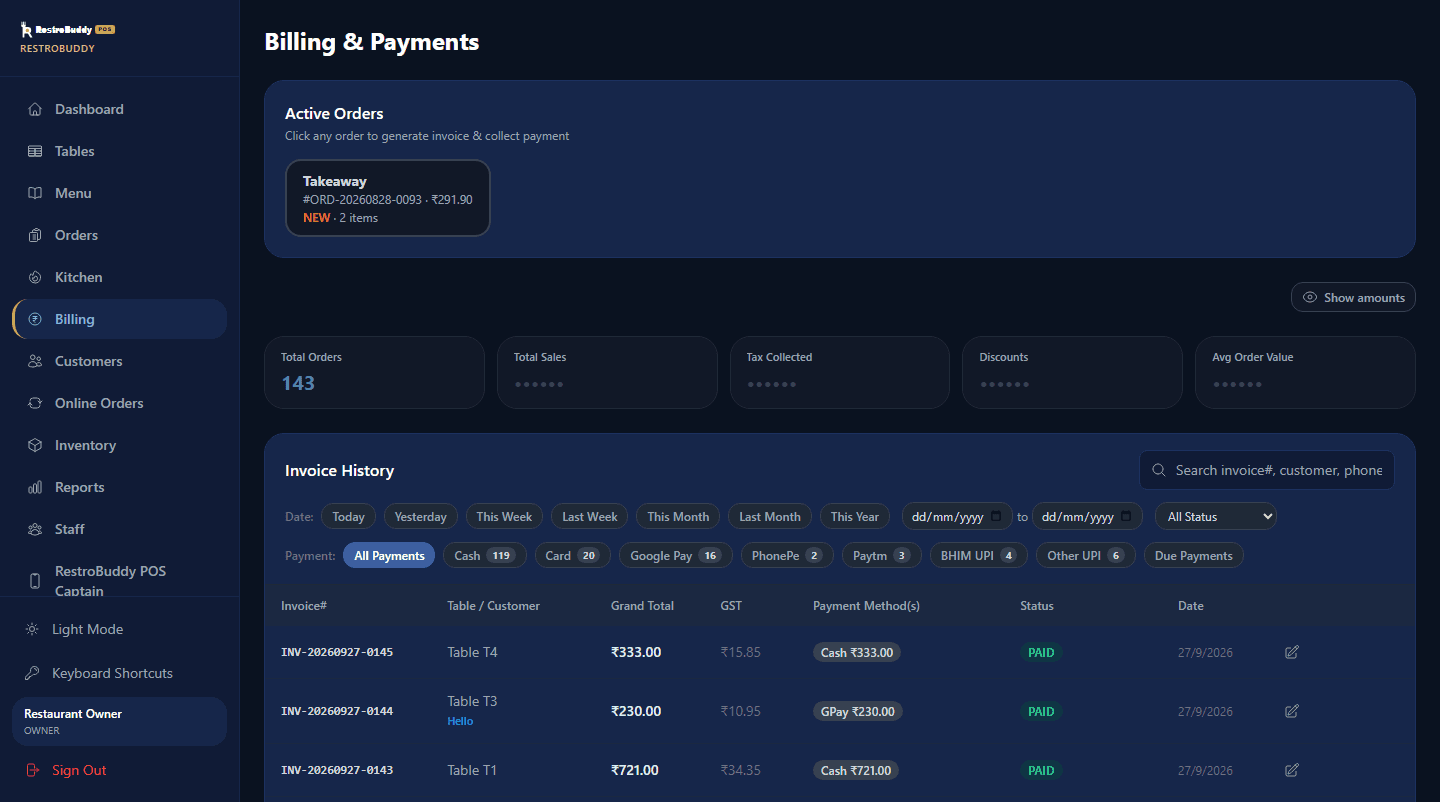
Plus a tablet for the floor and a phone for the owner
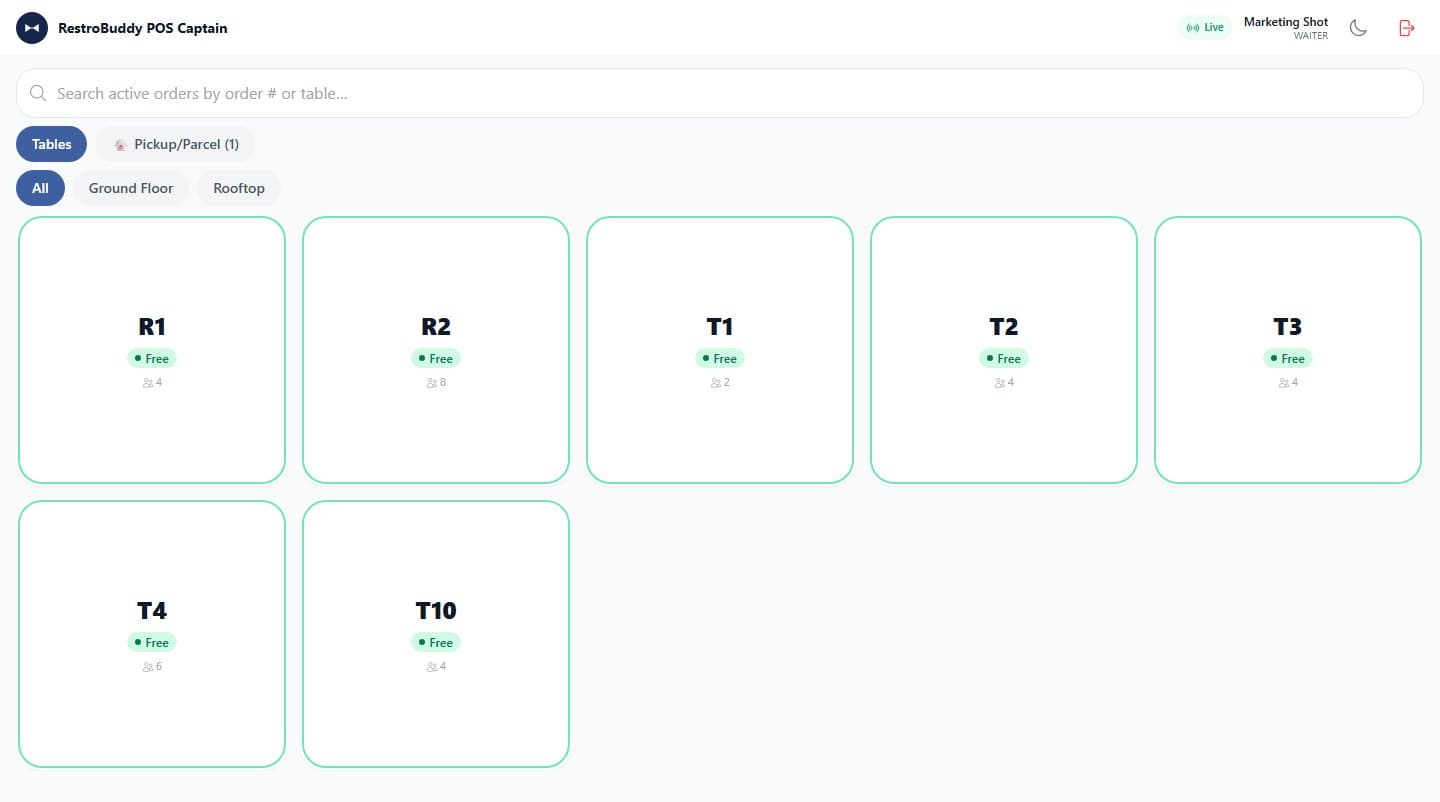
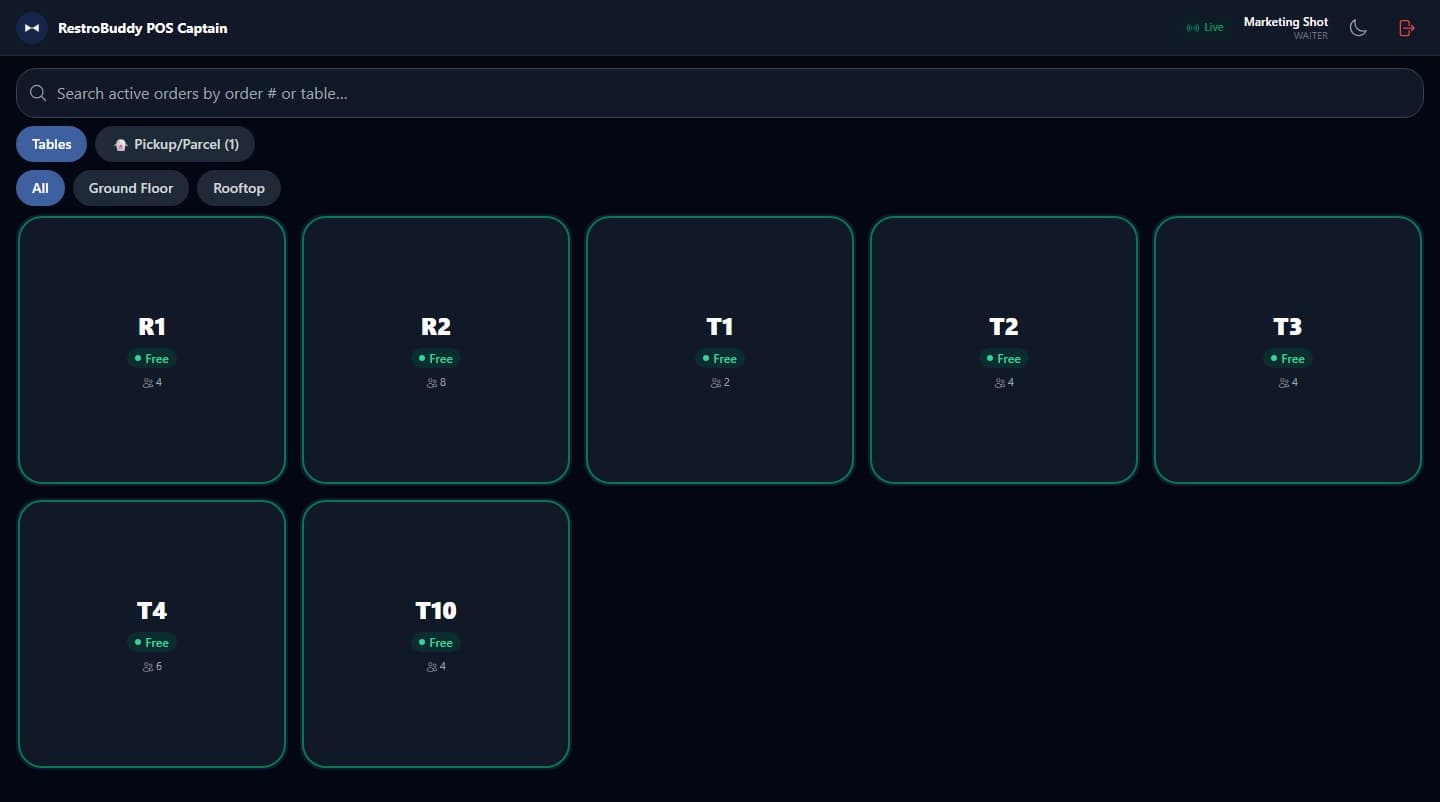
RestroBuddy POS Captain
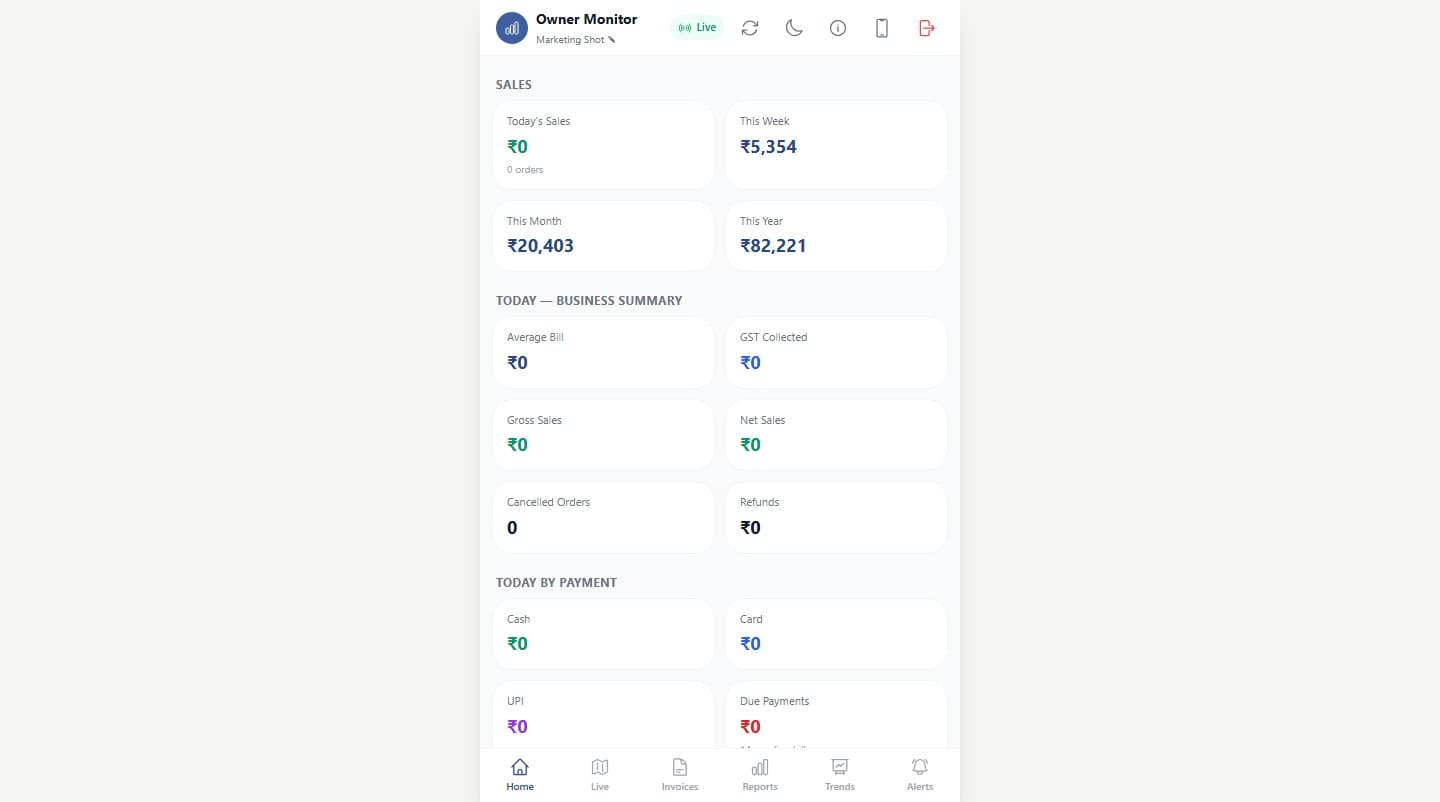
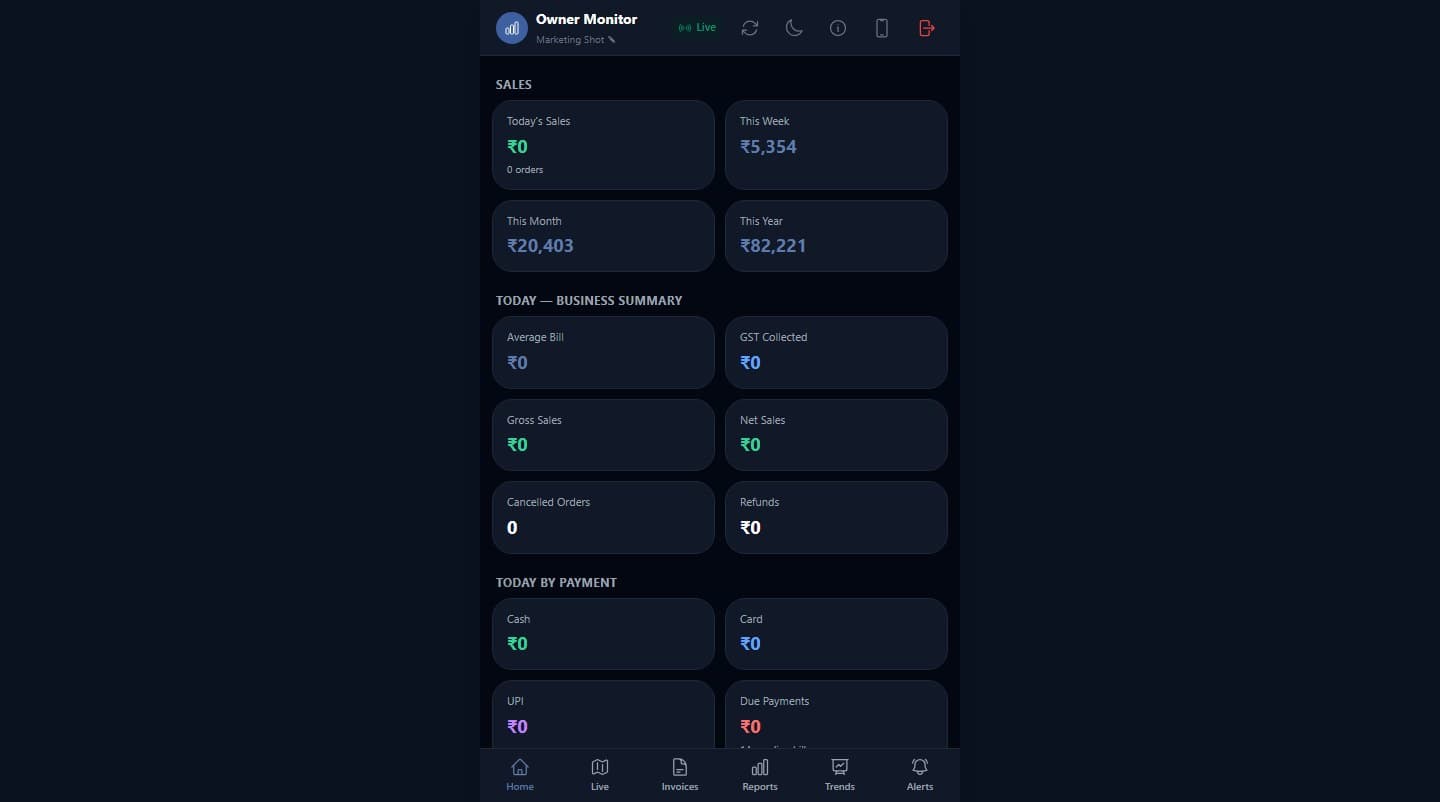
RestroBuddy POS Owner
Primary differentiator
Works without the internet.
Offline, local operation is one of RestroBuddy POS's strongest differentiators — the floor doesn't stop because your internet connection does.
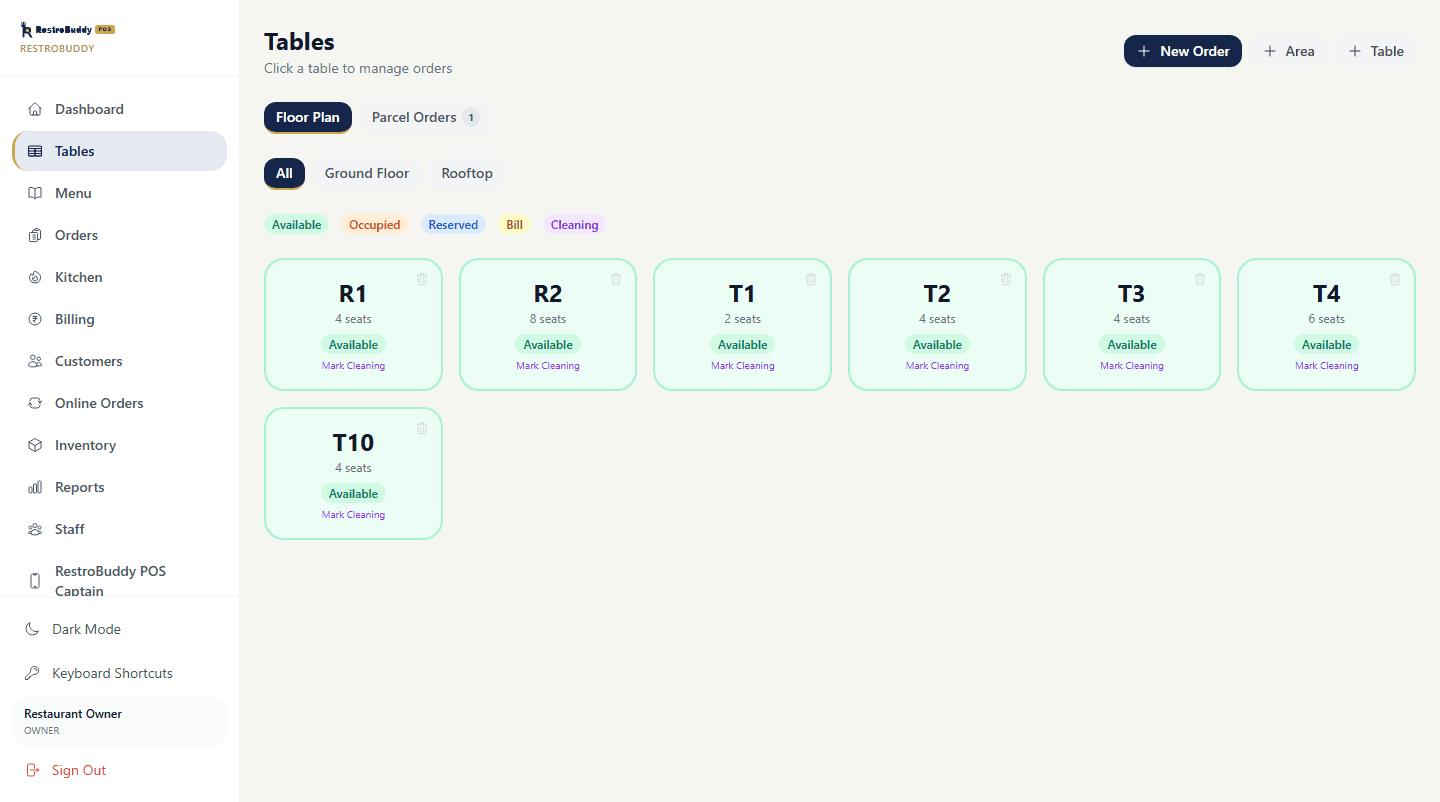
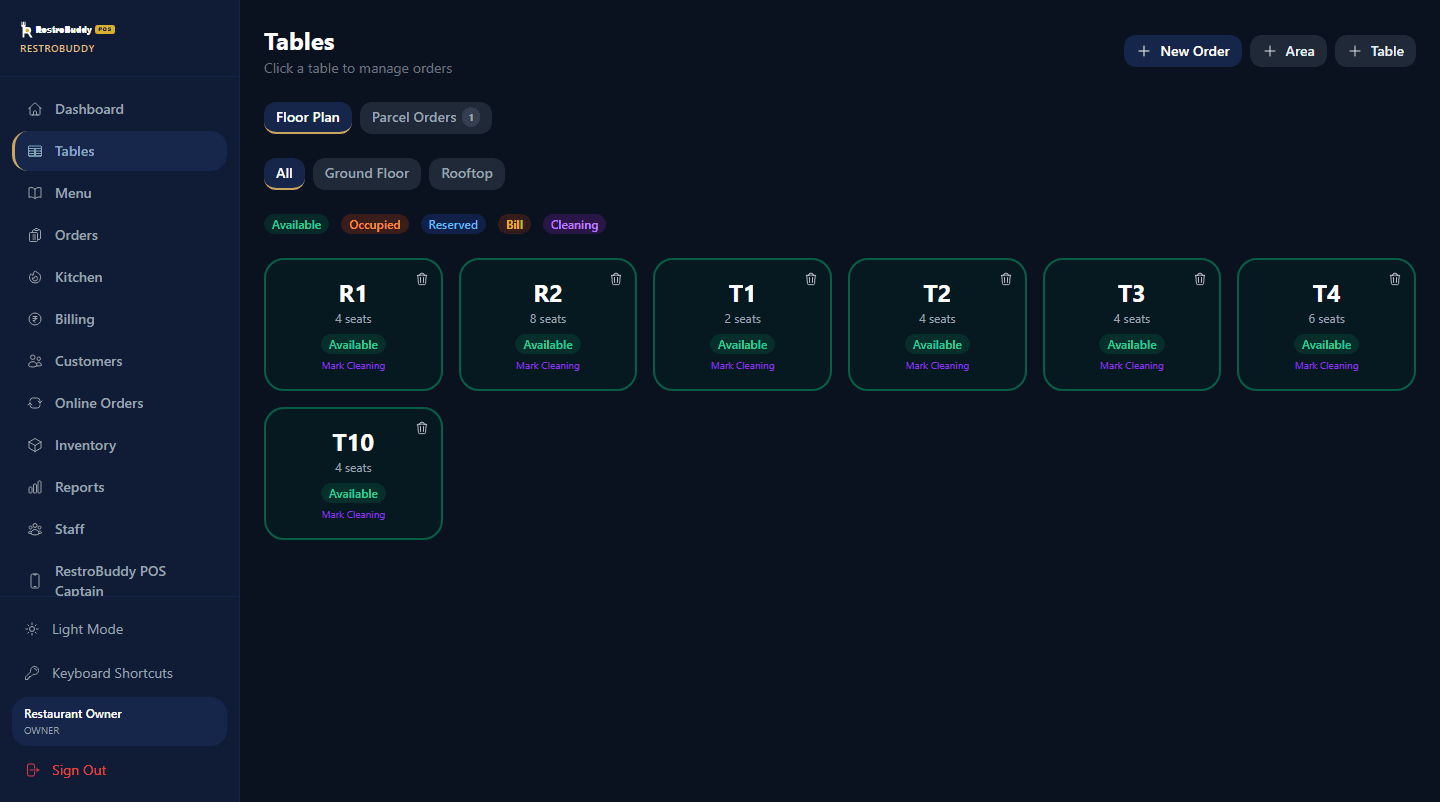
Works even when the internet doesn't
RestroBuddy POS is built offline-first. Reception, Captain, and the Kitchen board run entirely over your restaurant's own network — no internet connection needed to take an order, print a KOT, or settle a bill. If a device's network address changes, Captain reconnects on its own.
- Billing and invoice integrity
- Backups you can actually restore
- Reception, Captain, and Owner working as one system
Kitchen
Kitchen, in real time.
Every order reaches the kitchen as a ticket the moment it's placed — no relaying orders by hand.
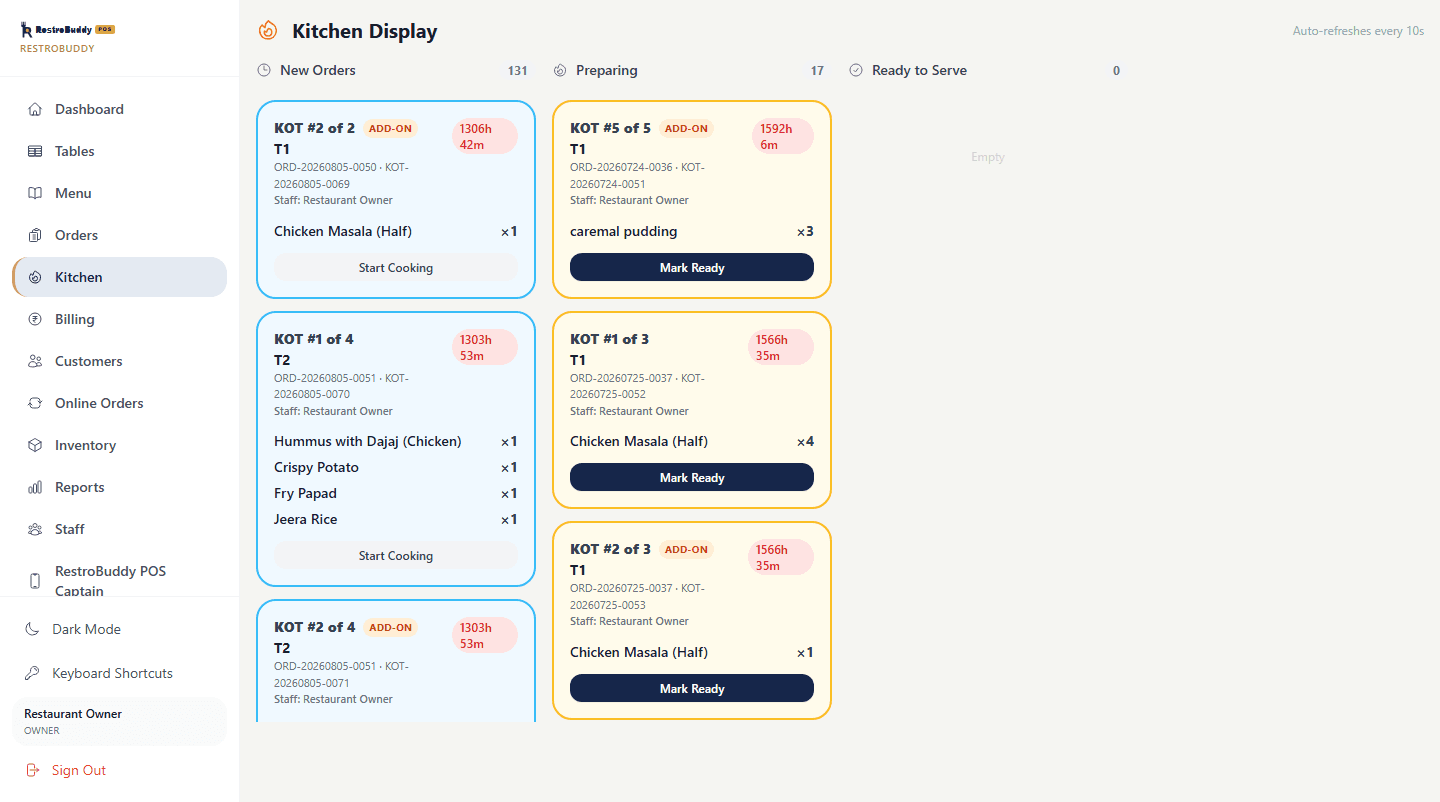
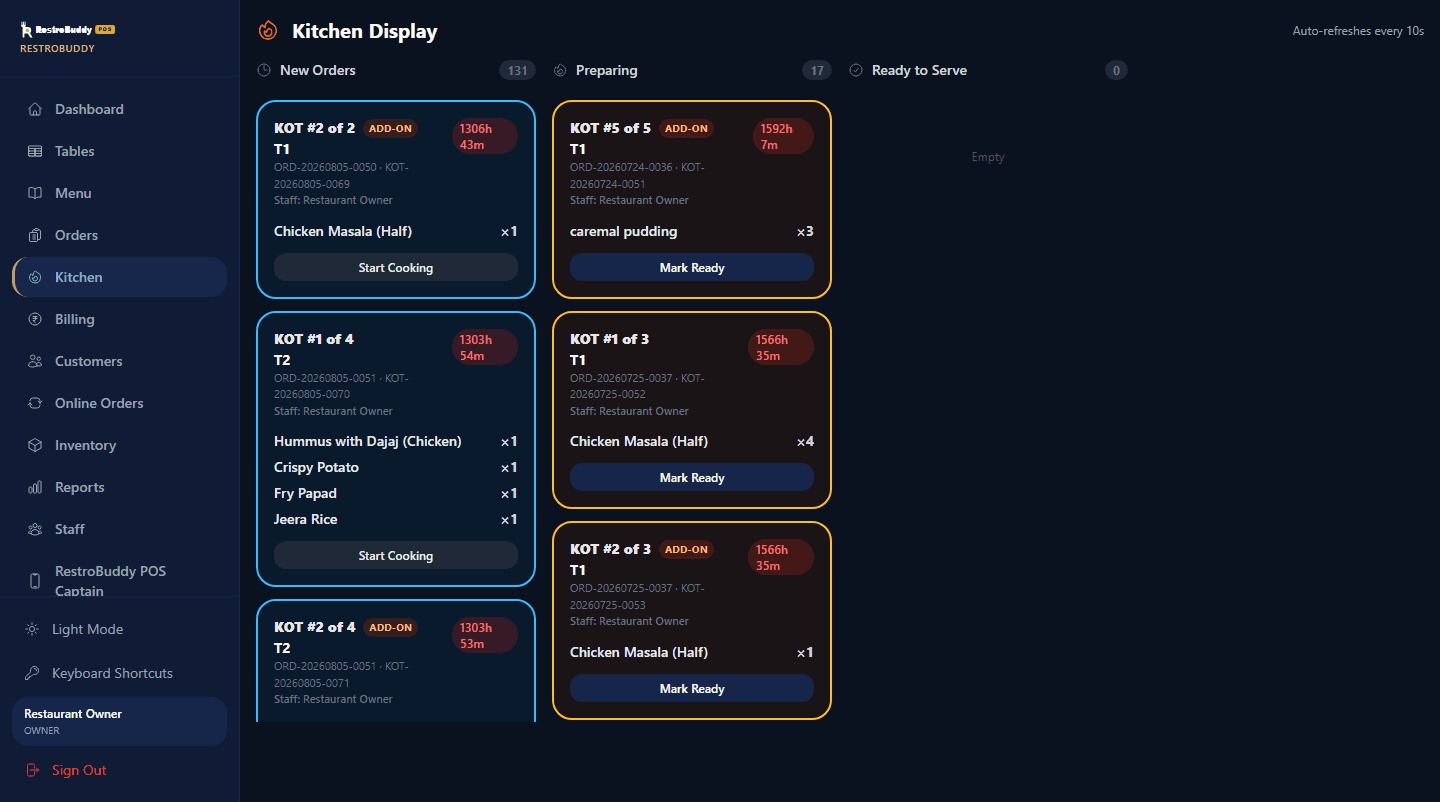
New Orders, Preparing, Ready to Serve
Every ticket moves through the same three columns the kitchen already works in, updating live as staff mark items cooking or ready.
KOT sequencing per table
Repeat sends to the same table are numbered ("KOT #2 of 5") so the kitchen always knows which ticket is which, including add-on orders sent after the first.
Cancellations reach the kitchen too
If an item or order is cancelled, the kitchen is notified rather than finding out when the plate comes back.
Billing
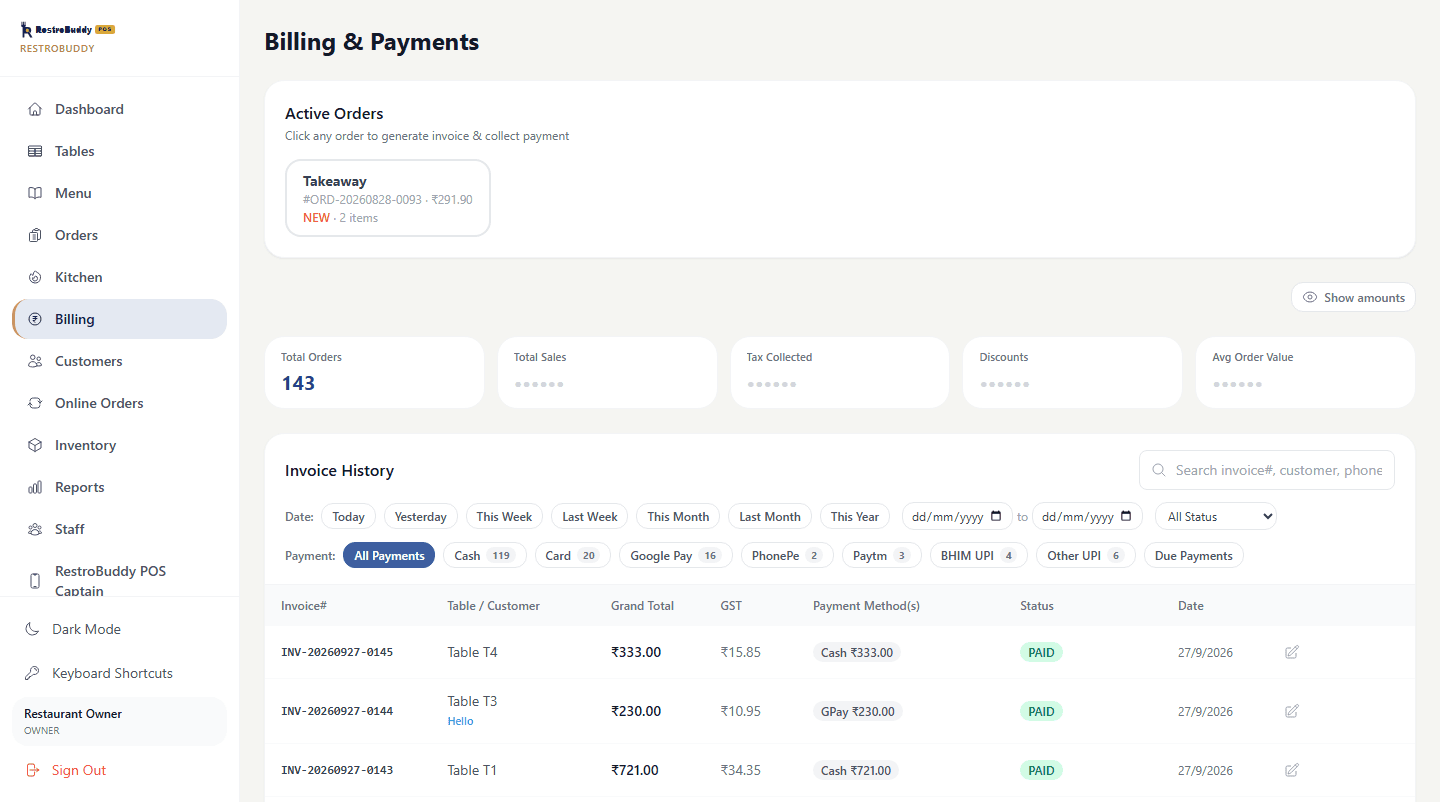
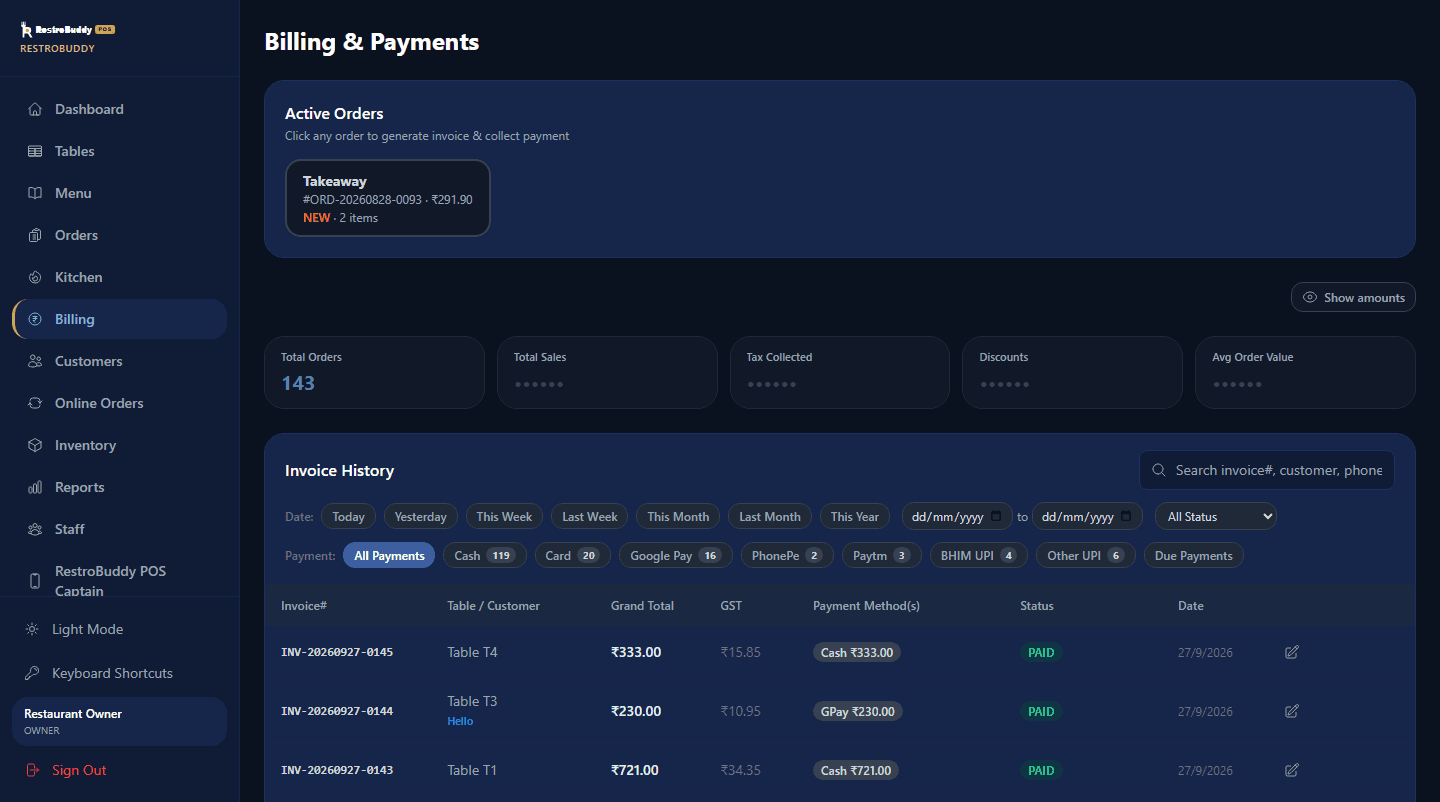
Billing you can trust.
Split it, part-pay it, refund it, or revise it after the fact — every change to a bill is handled the way a real restaurant actually needs, and recorded rather than quietly overwritten.
- STEP 1
Order
Items are billed as served, dine-in, takeaway, or parcel.
- STEP 2
Payment
Cash, card, or UPI — tracked individually, even when a guest splits across more than one method.
- STEP 3
Split / Partial
A bill can be split or part-paid, with the GST breakdown staying correct on every portion.
- STEP 4
Due
What's left unpaid is tracked against the customer as a due balance, not lost in a spreadsheet.
- STEP 5
Refund / Cancellation
Refunds and cancellations are permission-gated — not every staff login can issue one.
- STEP 6
Invoice revision
Editing a paid invoice is a permission an owner has to grant, and every edit is saved as a new, numbered revision — the original is never silently overwritten.
- STEP 7
Final invoice
A GST-correct CGST/SGST invoice, ready to print or share.
- STEP 8
Audited, end to end
Every step above is tied to the account that performed it — the bill tells the full story, not just the final total.
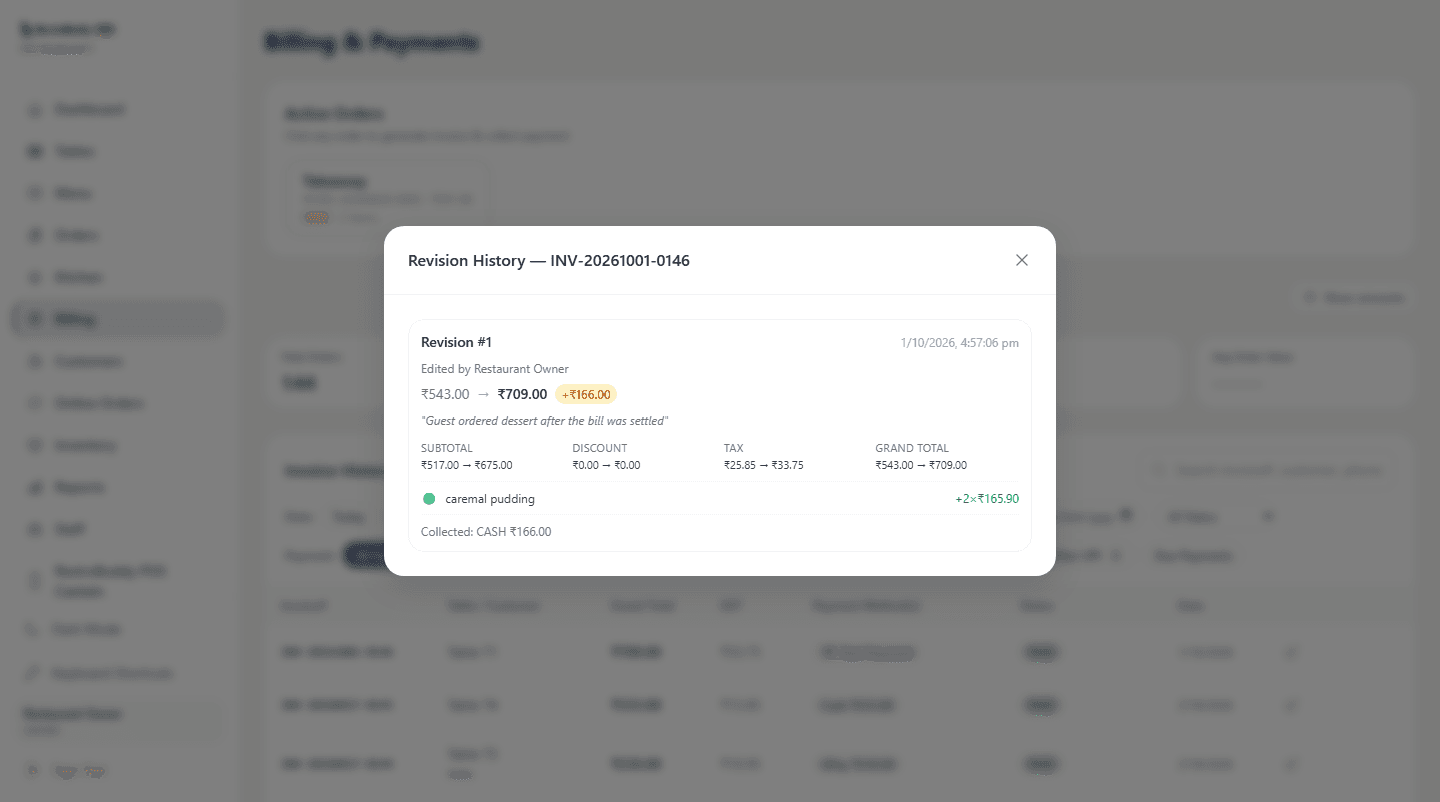
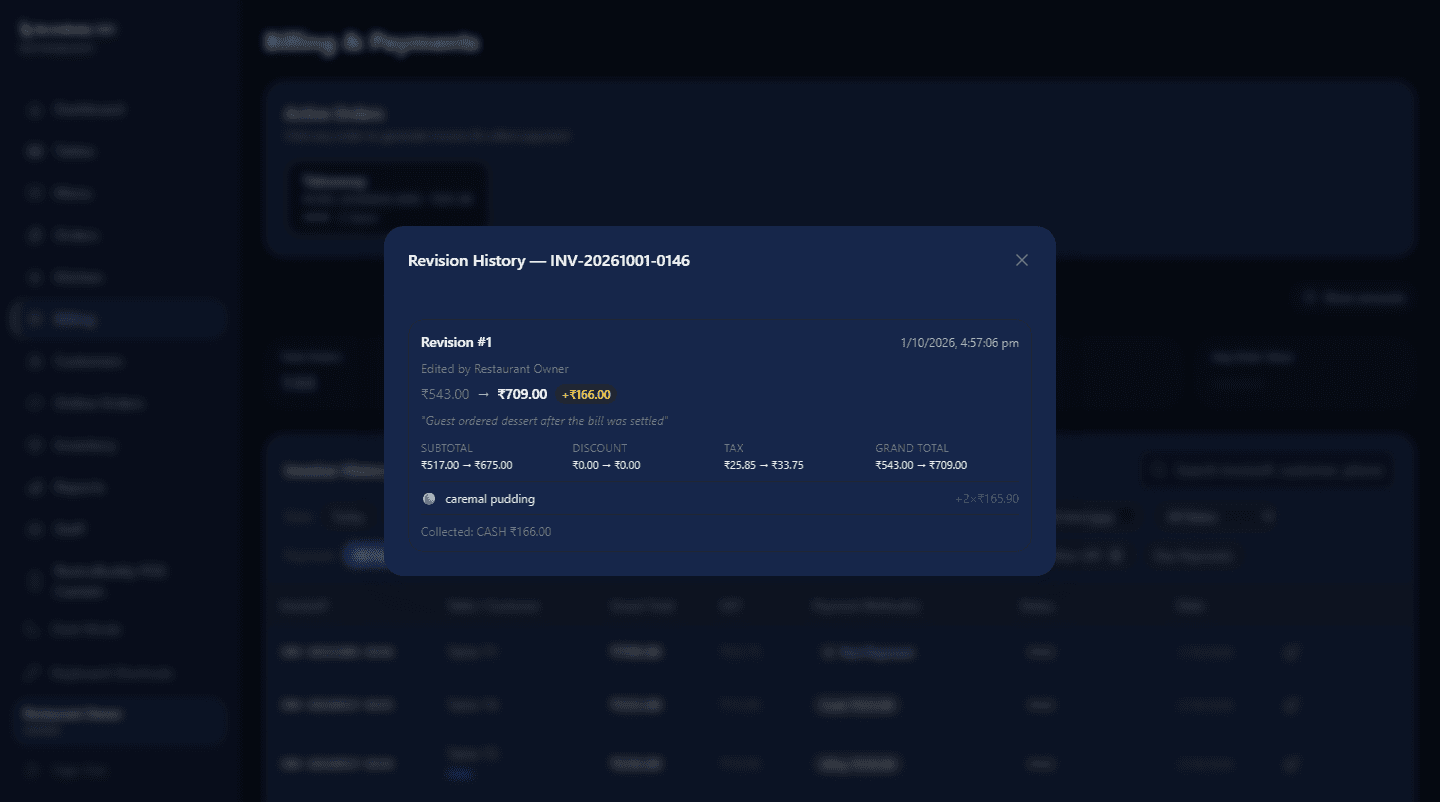
Every revision records who made the change, why, and exactly what moved — down to the line item.
Reports
Reports that mean something.
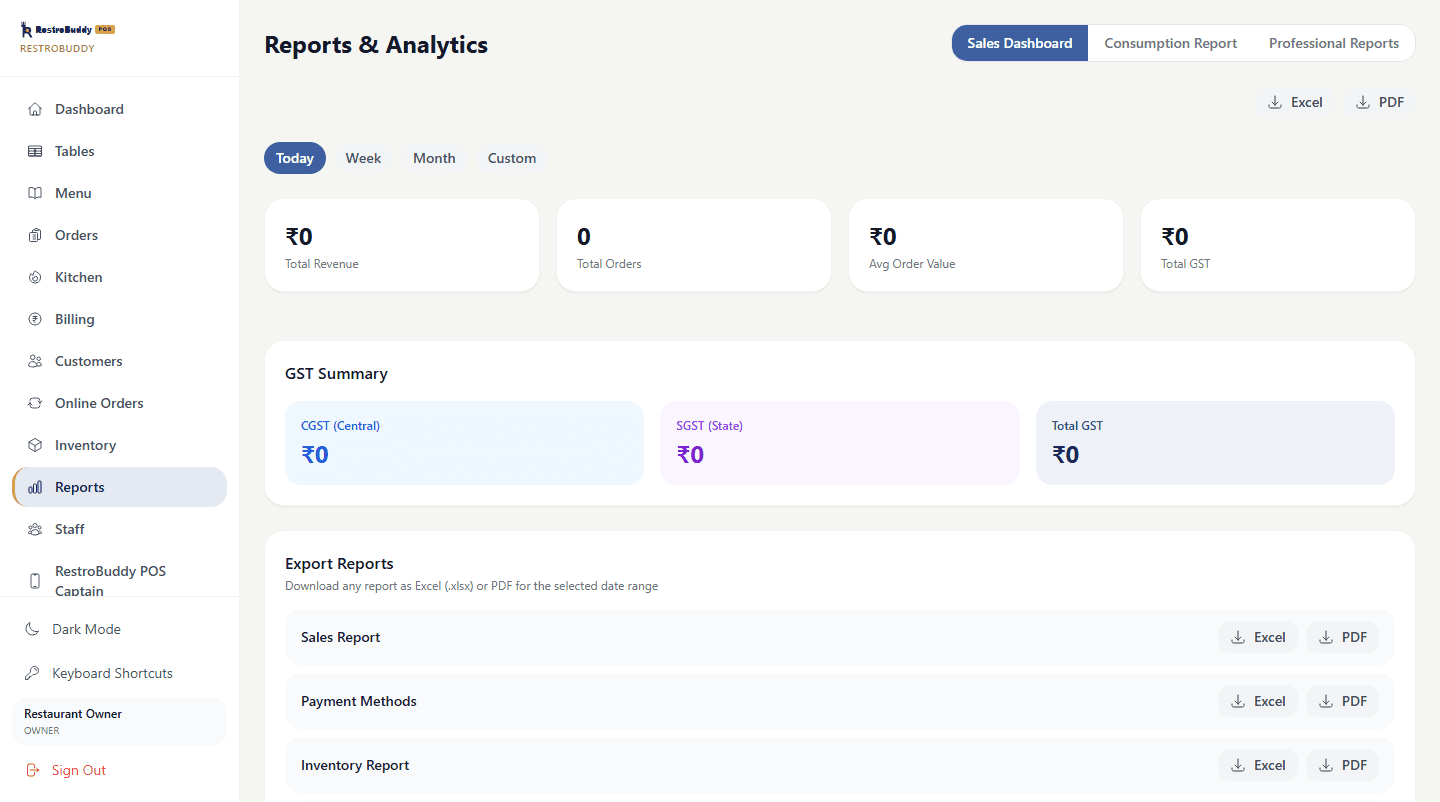
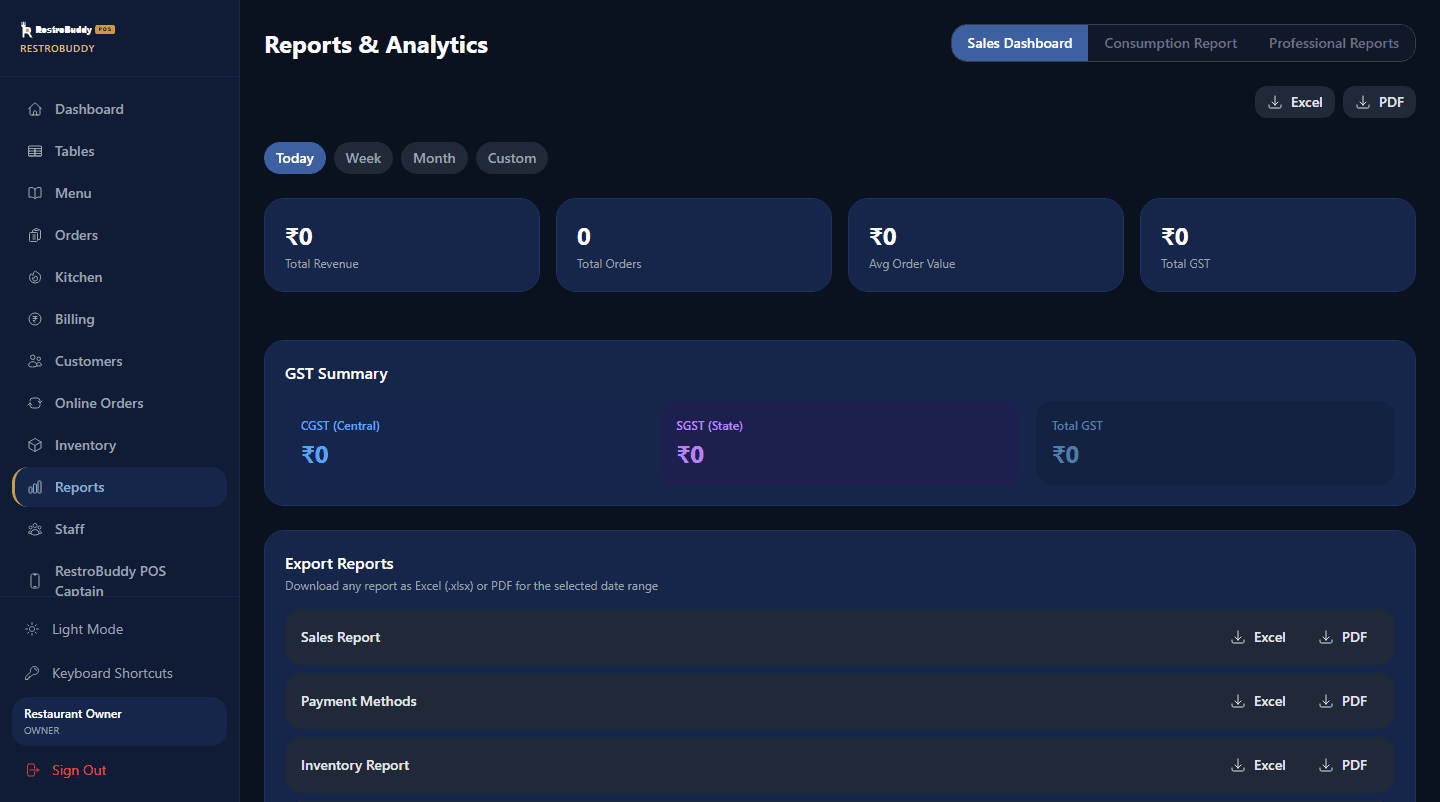
Real numbers from your own restaurant's own data, each exportable to Excel or PDF:
- GST-aware Sales Report (CGST/SGST breakdown)
- Day-End Summary and Executive Summary
- Item-Wise Sales Register and Orders Master
- Consumption Report and Invoice Audit Report
The rest of what's under the hood.
Staff & Access
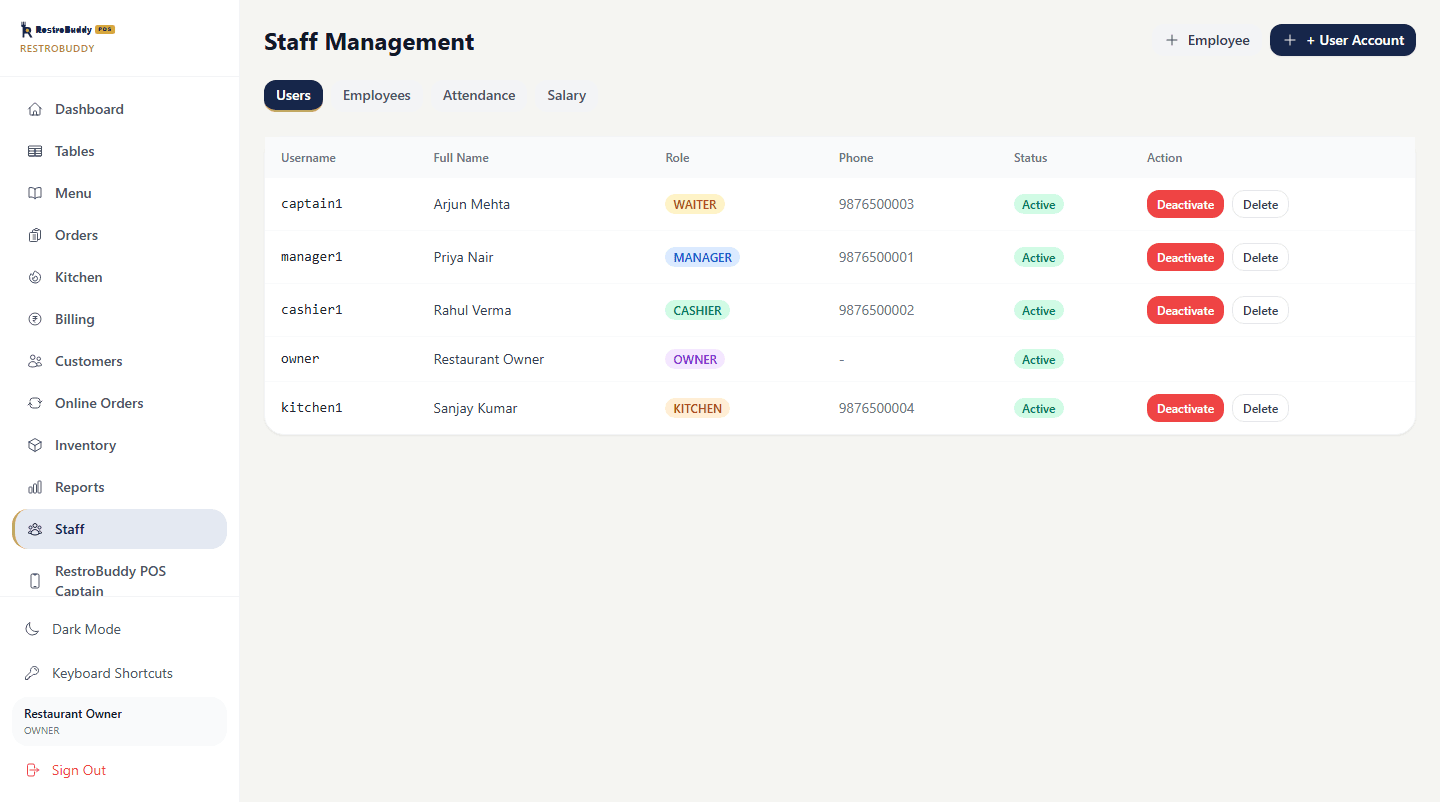
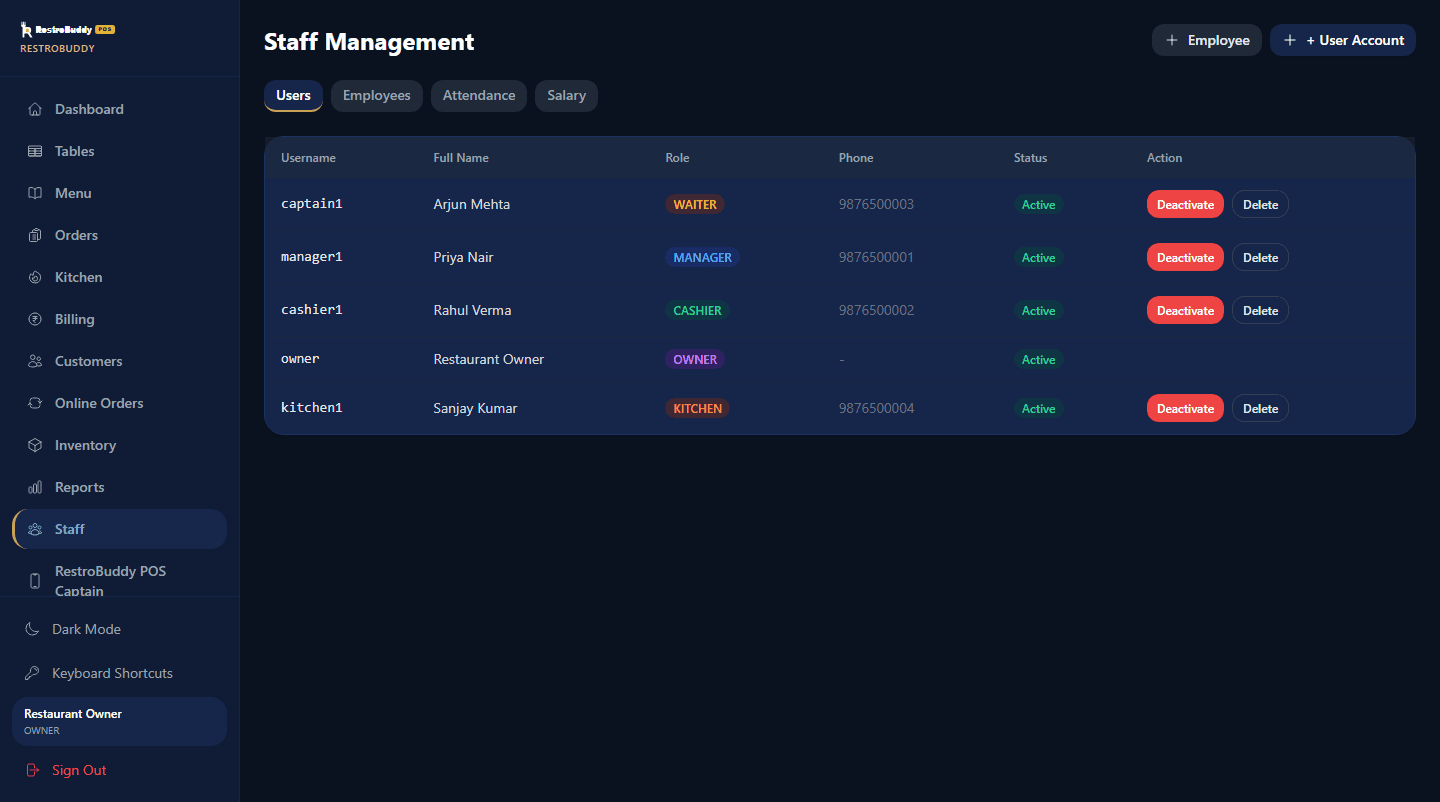
Separate staff logins with role-based access — refunds and paid-invoice edits are permissions an owner grants, not something every account can do.
Three surfaces, one system.
Reception, Captain, and Owner all talk to the same restaurant database — nothing to sync by hand.
Questions, answered honestly.
Does RestroBuddy POS work without internet?
Yes. Reception, Captain, and the Kitchen board all run over your restaurant's own network — taking an order, printing a KOT, and settling a bill don't need an internet connection.
Where is my restaurant's data stored?
On a PC inside your restaurant. Remote access and an optional cloud sales-summary sync for the Owner app are opt-in extras, never required for day-to-day operation.
What happens if the internet goes down?
Nothing on the floor stops. Reception, Captain, and Kitchen keep working over your LAN; only remote access and the optional cloud sync pause until the connection returns.
What happens if the restaurant PC has a problem?
Hourly snapshots (kept 24 hours) and nightly backups (kept 30 days) exist to restore from, using a recovery key — so recovery doesn't depend on that one machine surviving.
Can I control what each staff member can do?
Yes. Staff sign in with their own accounts, and sensitive actions — like refunding a payment or editing a paid invoice — are permissions an owner has to grant.
Can a bill be split or partially paid?
Yes. A bill can be split or part-paid across cash, card, or UPI, with the GST breakdown staying correct on every portion.
Can a customer have an outstanding due balance?
Yes. Whatever's left unpaid is tracked against the customer as a due balance rather than lost between shifts.
How does the kitchen get notified about orders?
Every order reaches the Kitchen Display as a ticket the moment it's placed, moving through New Orders, Preparing, and Ready to Serve — including repeat sends and cancellations.
Can an invoice be revised after it's settled?
Yes, with an owner's permission — and every edit is saved as a new, numbered revision rather than overwriting the original.
What hardware do I need?
A Windows PC to run RestroBuddy POS, a receipt or kitchen printer, and a tablet for Captain on your restaurant's own Wi-Fi.
See how RestroBuddy can fit your restaurant.
A short walkthrough with your own menu structure and your own billing questions — no generic sales deck.
Request a Demo