RestroBuddy Inventory
Know your stock. Know your cost.
Purchases, consumption, and stock value tracked as they happen — with a weighted average cost that updates itself, physical counts that reconcile instead of just flagging a mismatch, and a month-end close that's one click.
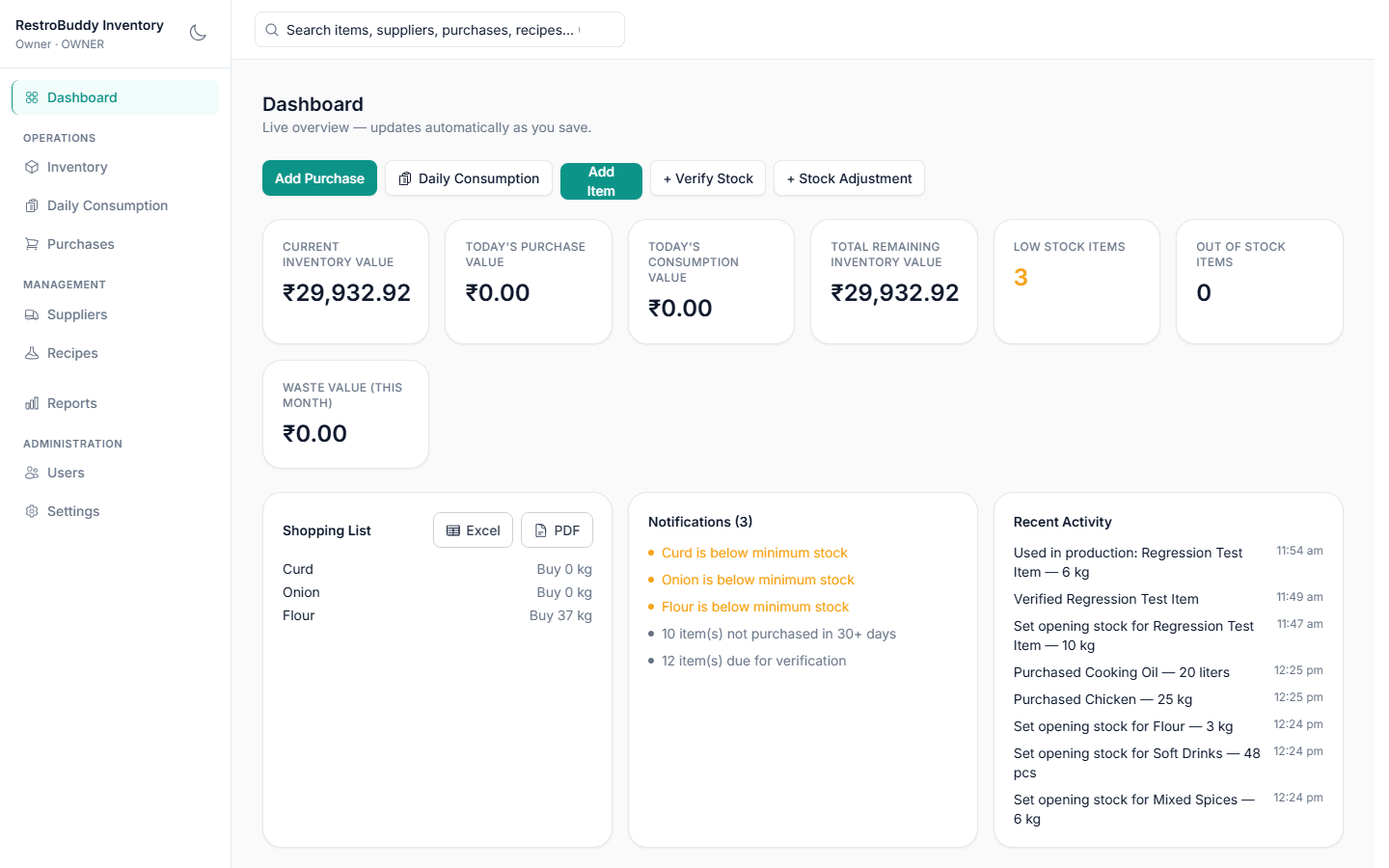
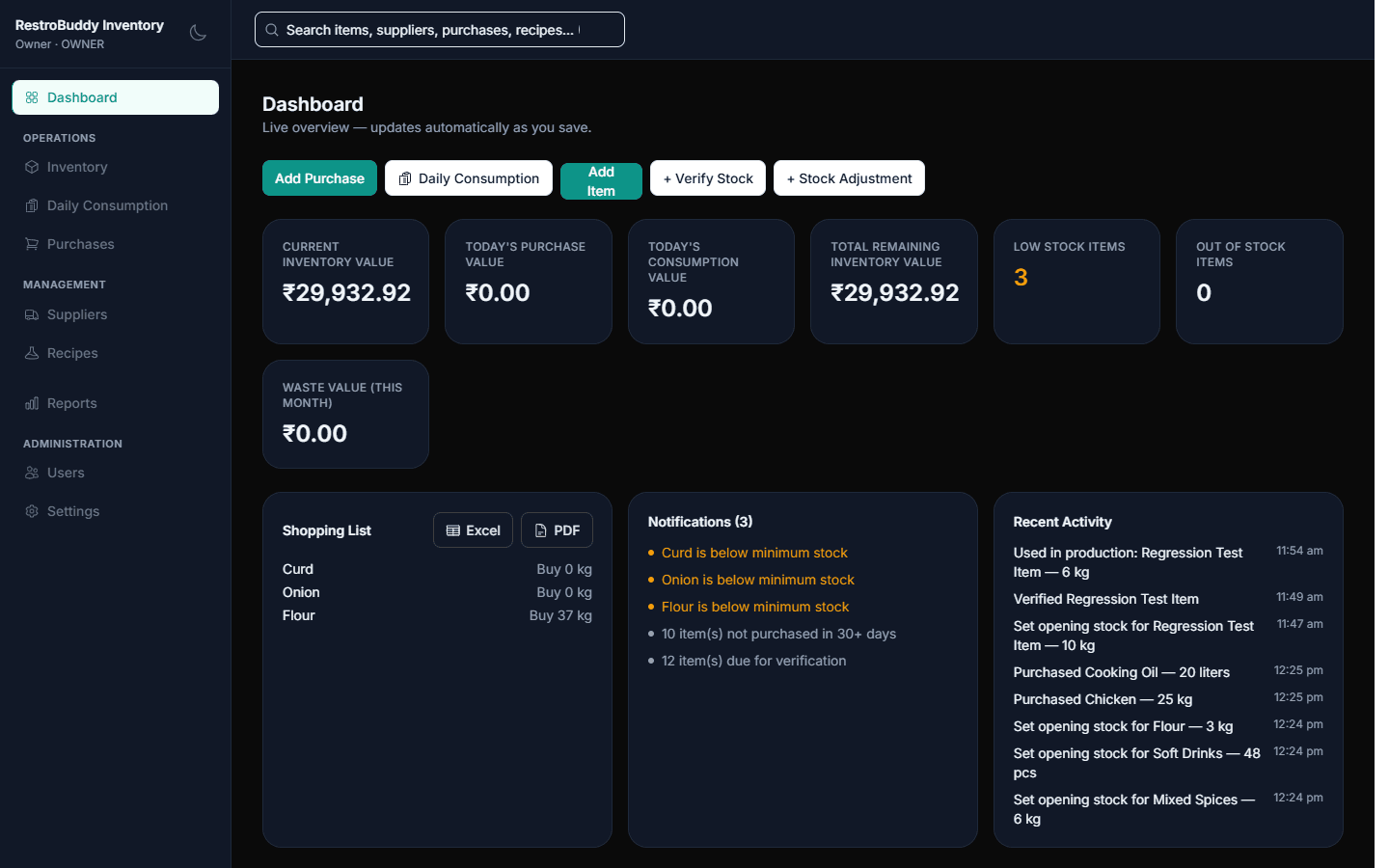
Real RestroBuddy Inventory screenshot — demo data.
RestroBuddy Inventory tracks the full stock loop for one restaurant: opening stock, purchases, daily consumption, physical verification, and the monthly close — all backed by one local database on one machine, laid out as a proper desktop workspace for whoever manages purchasing and stock.
How it works
Watch RestroBuddy Inventory operate.
From a supplier delivery to updated costing — step by step.




See the real screens
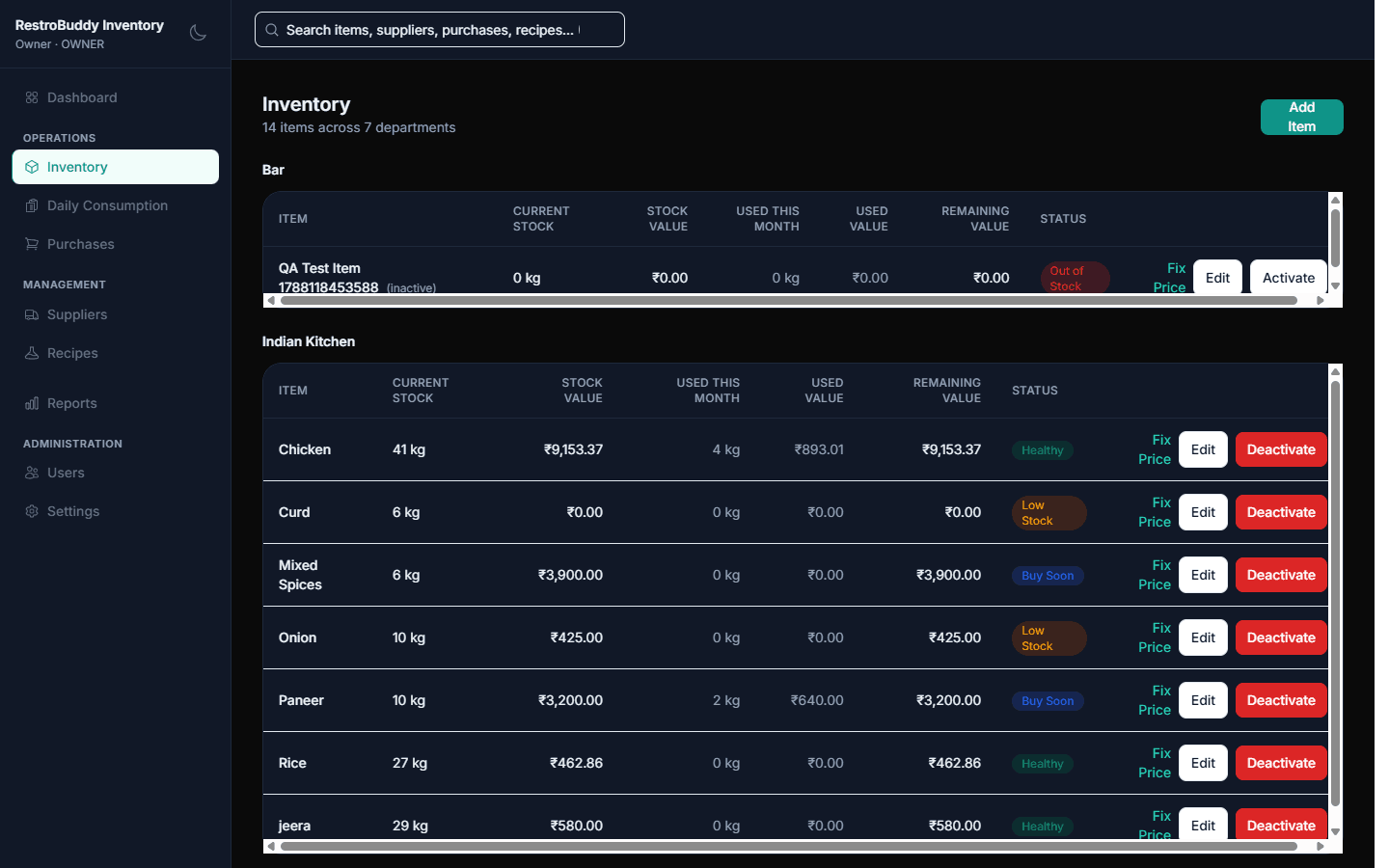
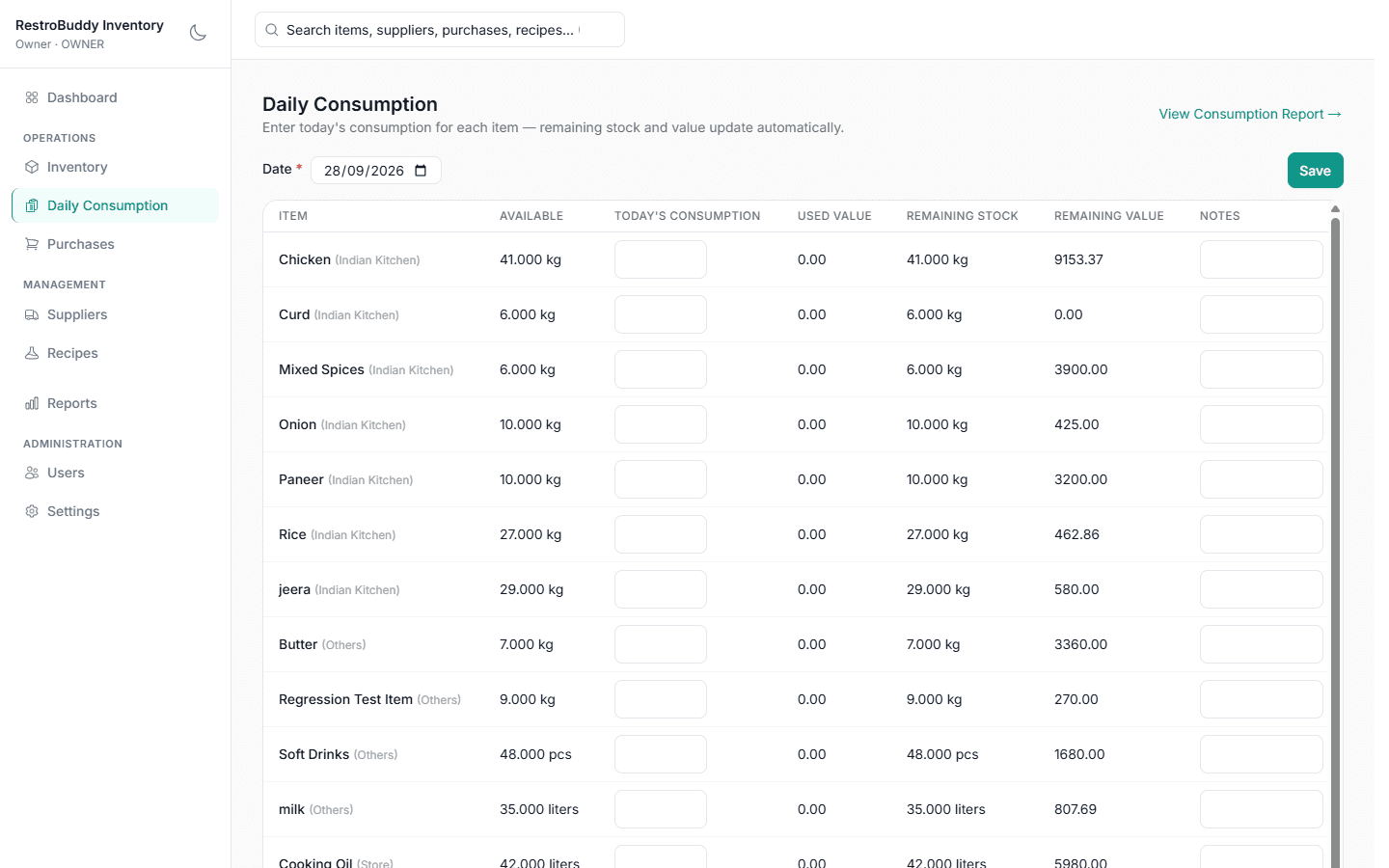
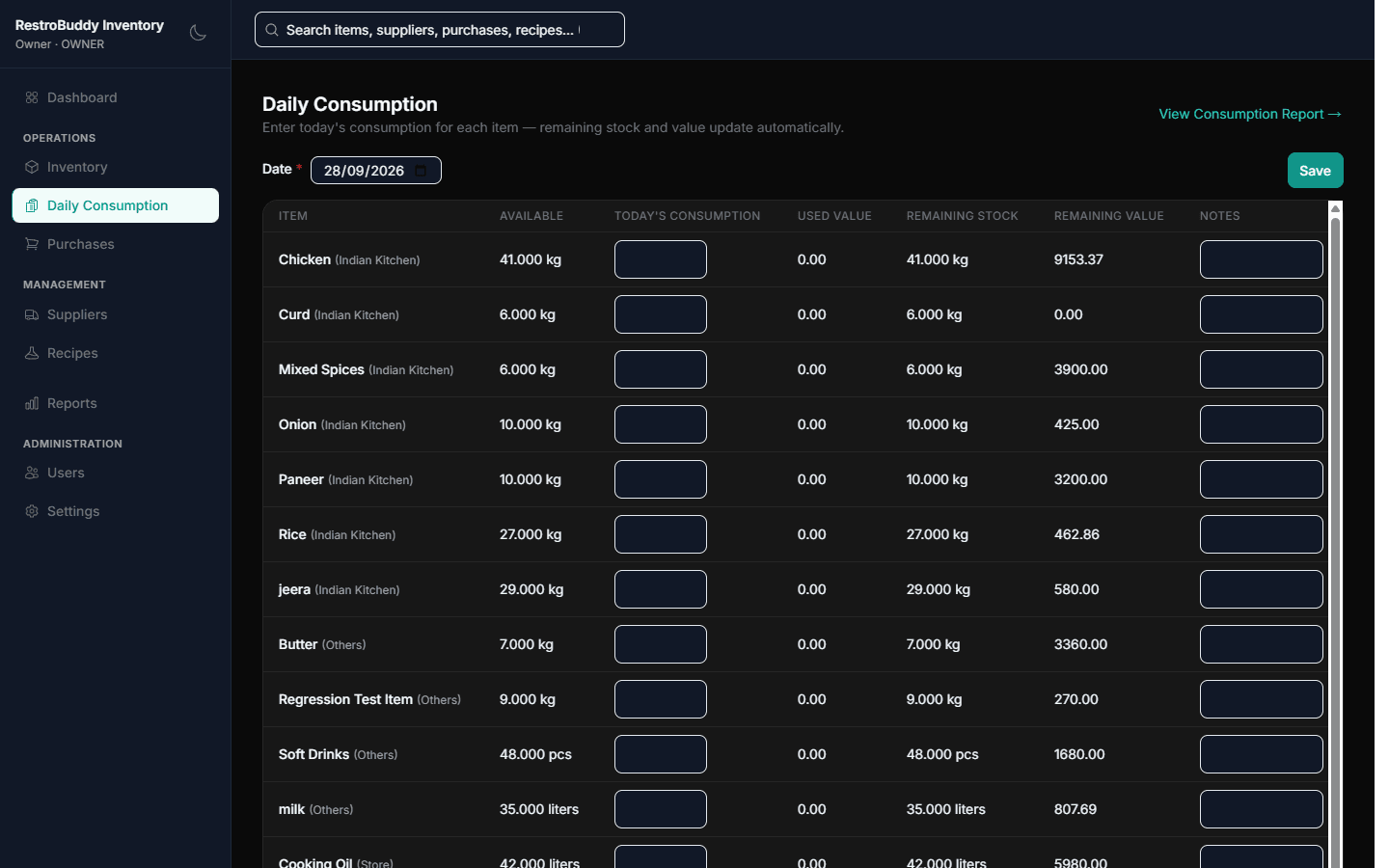
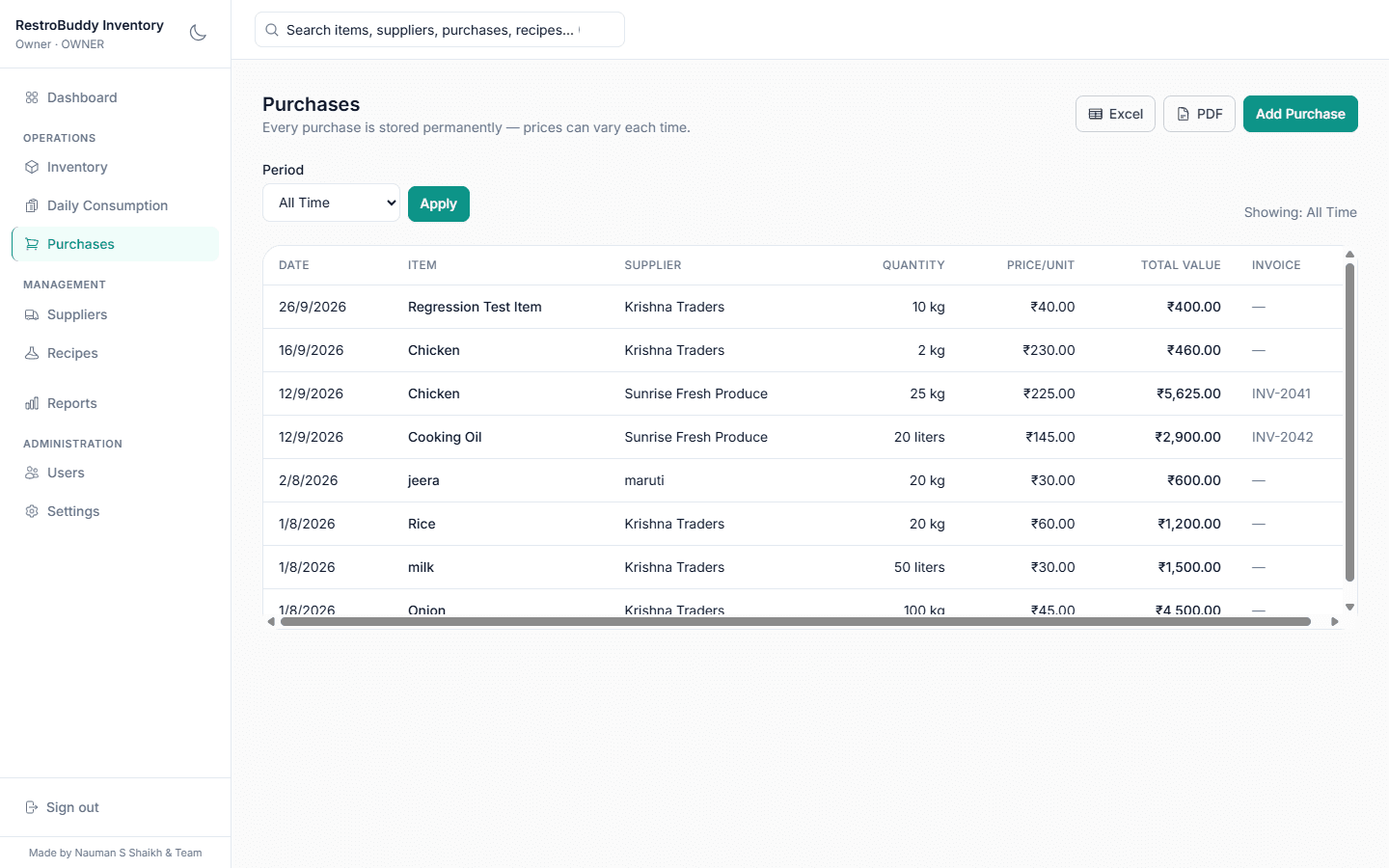
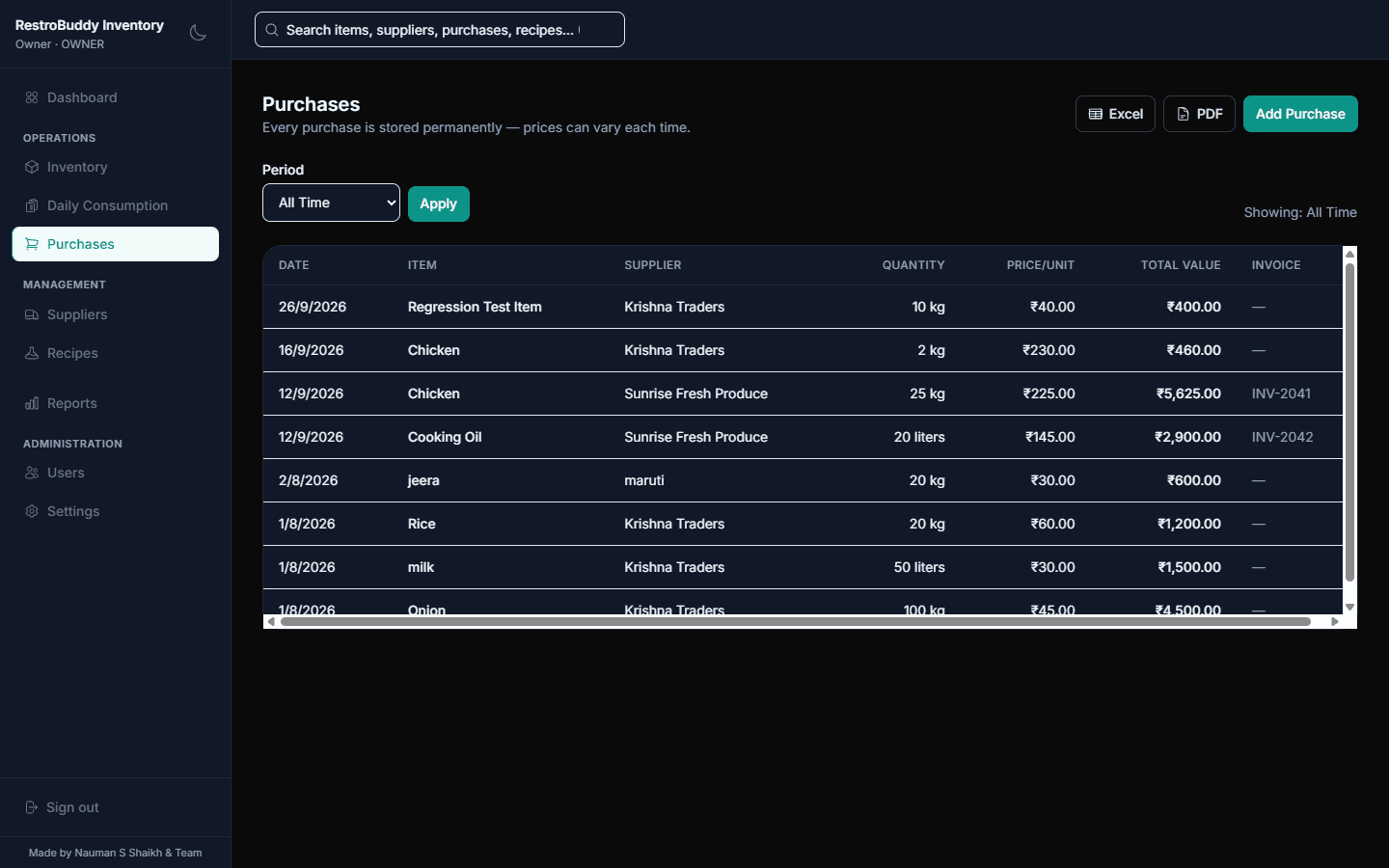
Every screenshot below is the real RestroBuddy Inventory application, running on demo data — drag, use the arrows, or the dots below to browse. Arrow keys work too.
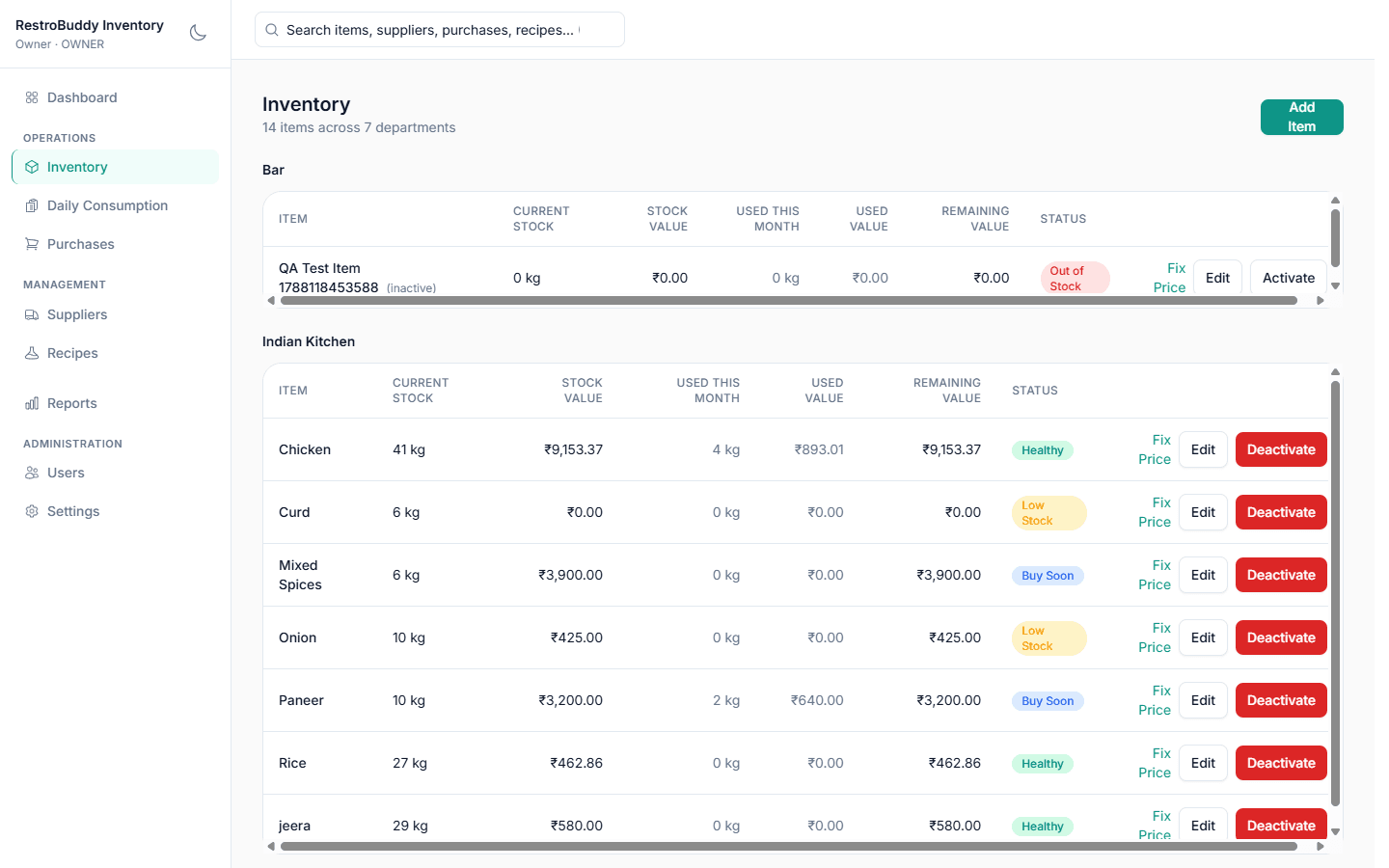
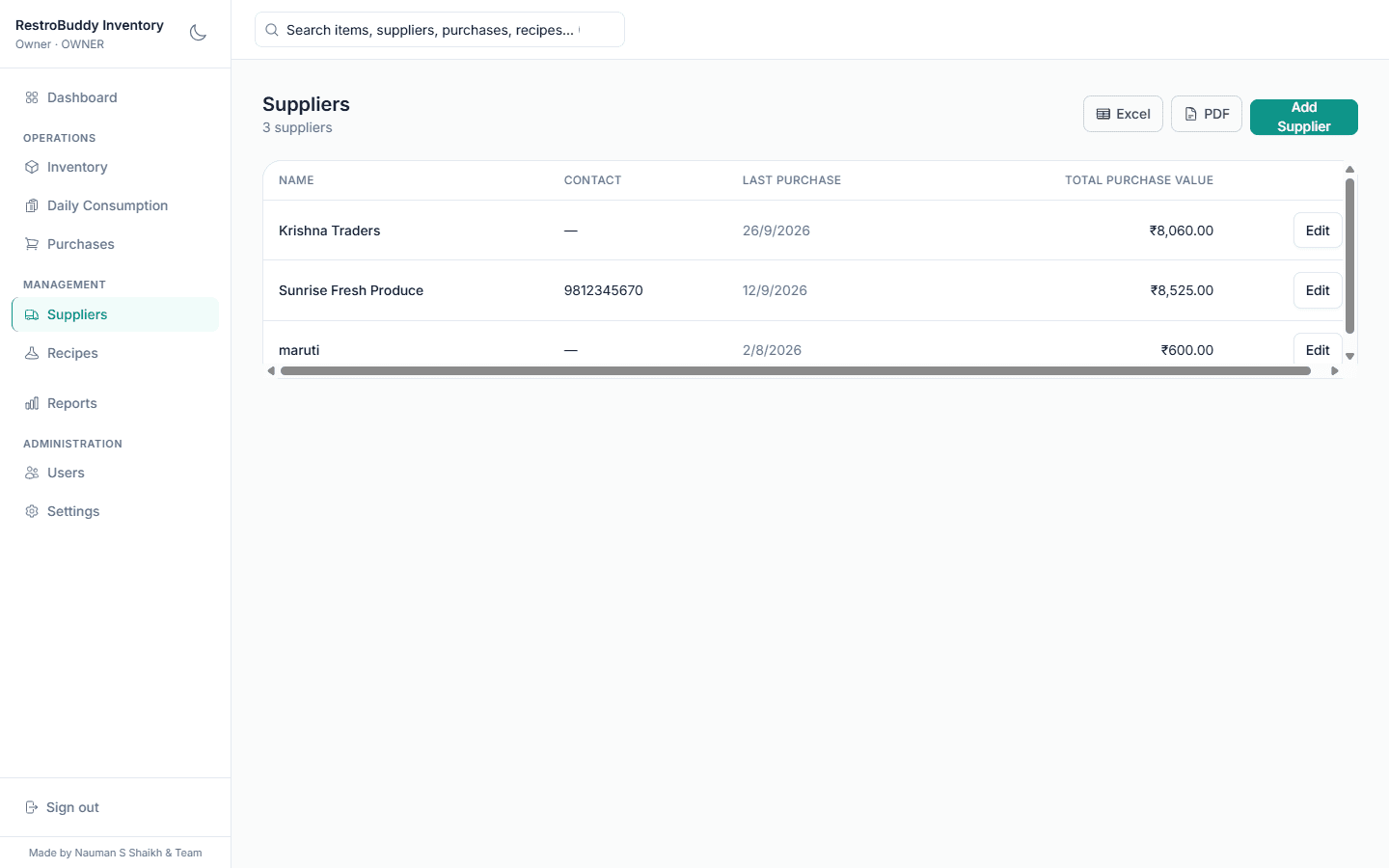
What actually makes RestroBuddy Inventory different
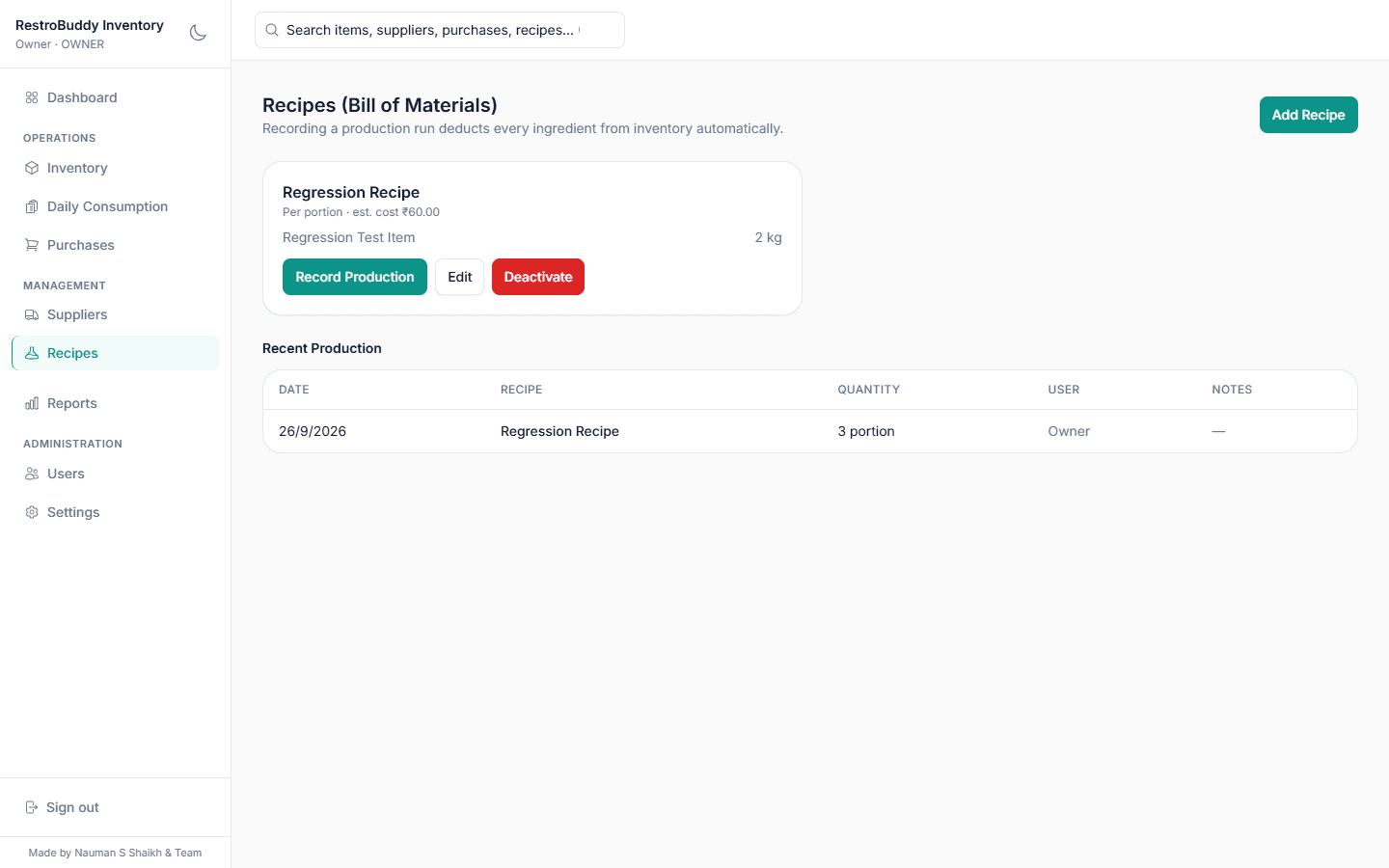
A cost figure you don't have to trust blindly
Every purchase updates your item's weighted average cost automatically — no separate re-costing step, no spreadsheet formula to keep patched. Record the purchase and the cost is already current.
Everything under the hood
Purchasing & Suppliers
- Record purchases with supplier, invoice number, quantity, and price
- Per-supplier purchase history and totals
- Shopping list built from low-stock items
Daily Stock Movement
- Daily consumption recording, per item
- Recipes that deduct every ingredient in one production run
- A full stock ledger — opening, purchase, consumption, adjustment, production, every entry kept
Accuracy & Close
- Physical verification that reconciles counts with an audited adjustment
- Owner/Manager-gated cost correction, with a reason recorded on the ledger
- One-click month close — locks the month and opens the next automatically
Reporting
- Inventory valuation, department-wise stock value, and consumption analytics
- Low-stock and slow-moving (30/60/90-day) reports
- Waste reporting by reason — Damaged, Expired, Theft, Wastage
- Nine report types in total, each exportable to Excel or PDF
Built for Daily Use
- Search across items, suppliers, purchases, and recipes from anywhere
- Keyboard shortcuts for saving, printing, and finding things fast
Four roles, scoped on purpose
Everyone signs in with their own account. The sensitive actions — user management, backups, closing a month, correcting a cost — are restricted to Owner and Manager. Day-to-day stock work is open to whoever needs it.
One exception worth being upfront about: editing a recipe's own ingredient list isn't currently role-gated — any signed-in role can do it, the same as recording a production run.
A dark mode for every single screen
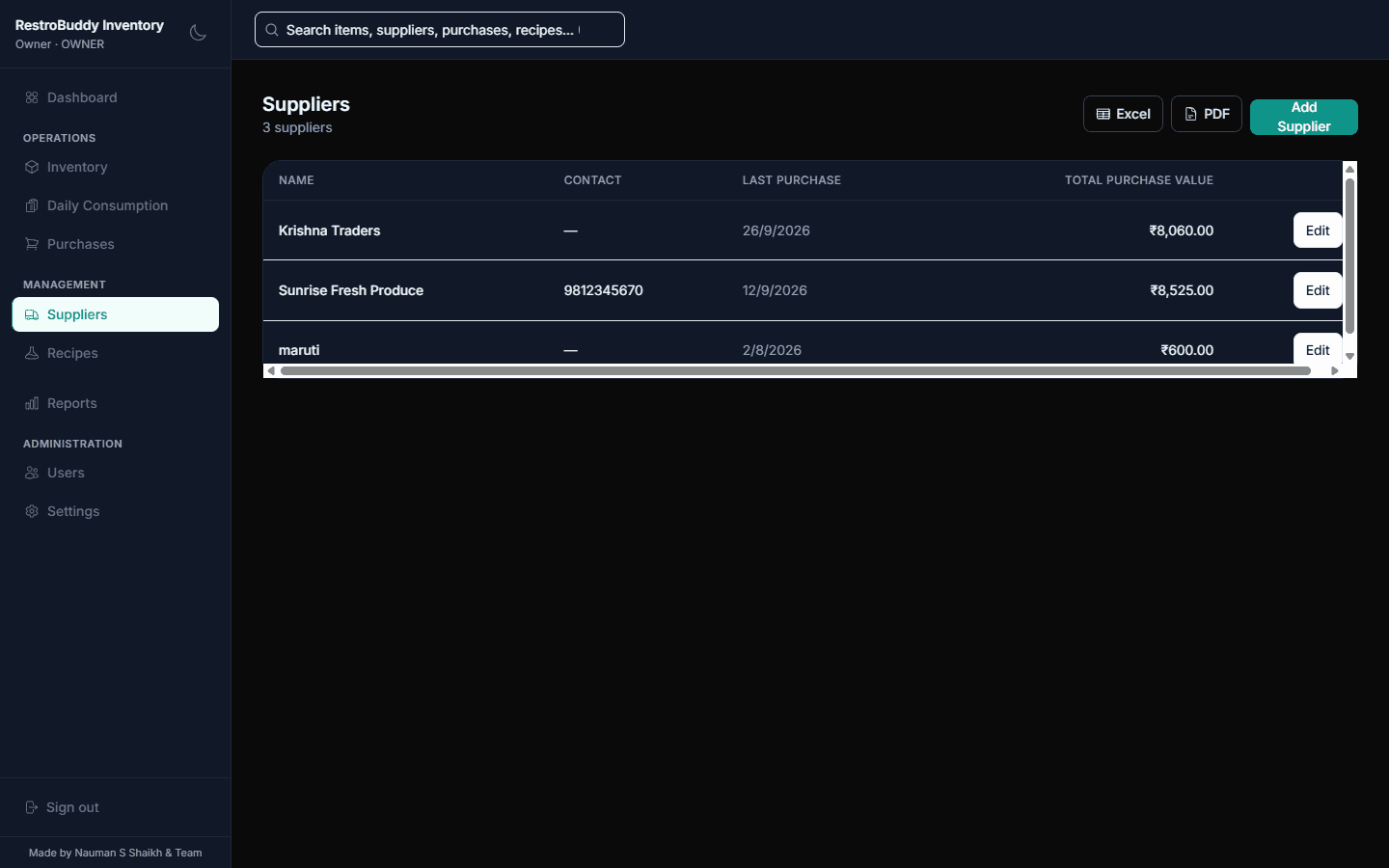
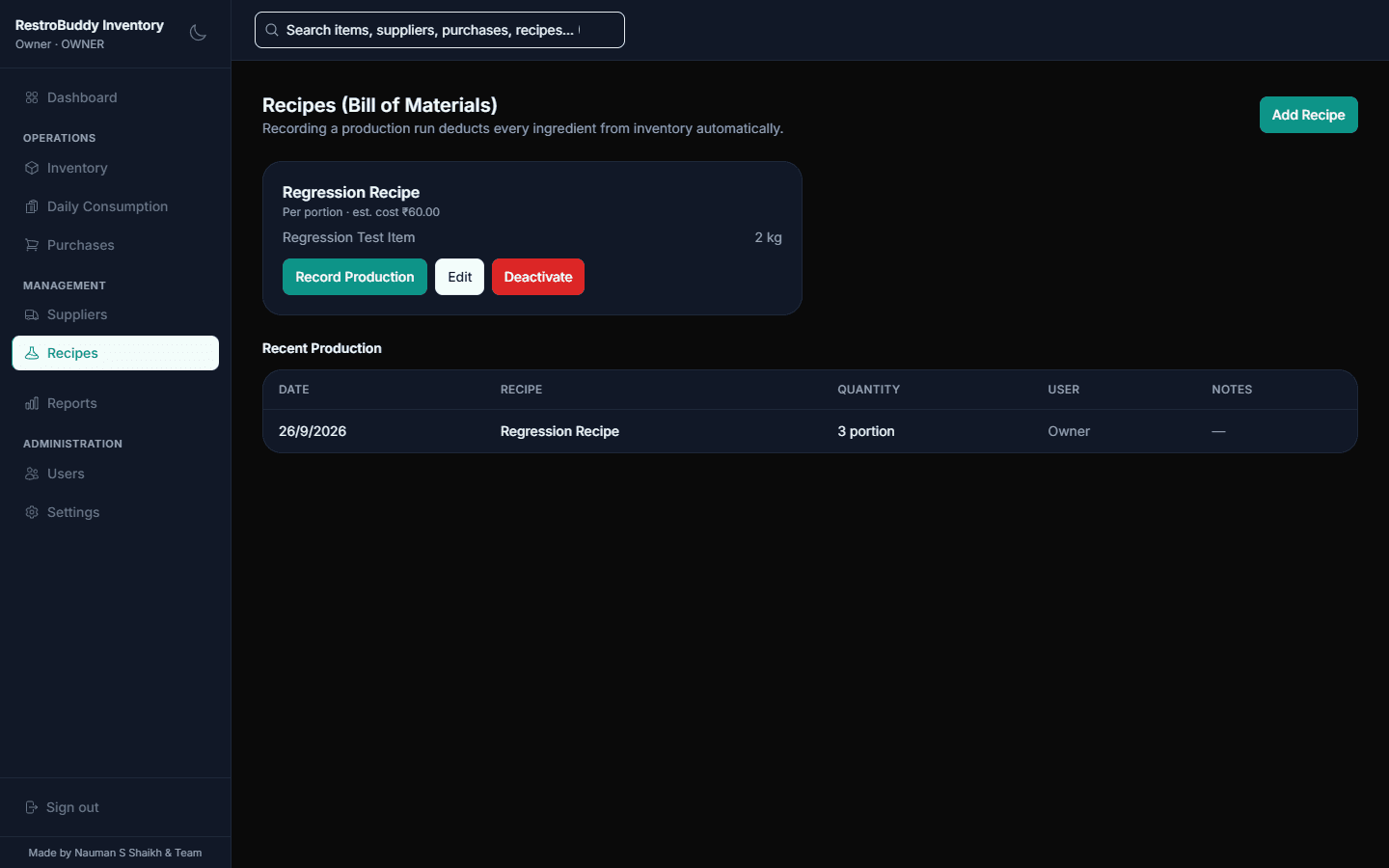
All 7 screens shown above were captured in both themes — toggle the theme in the header to see it applied everywhere on this page.
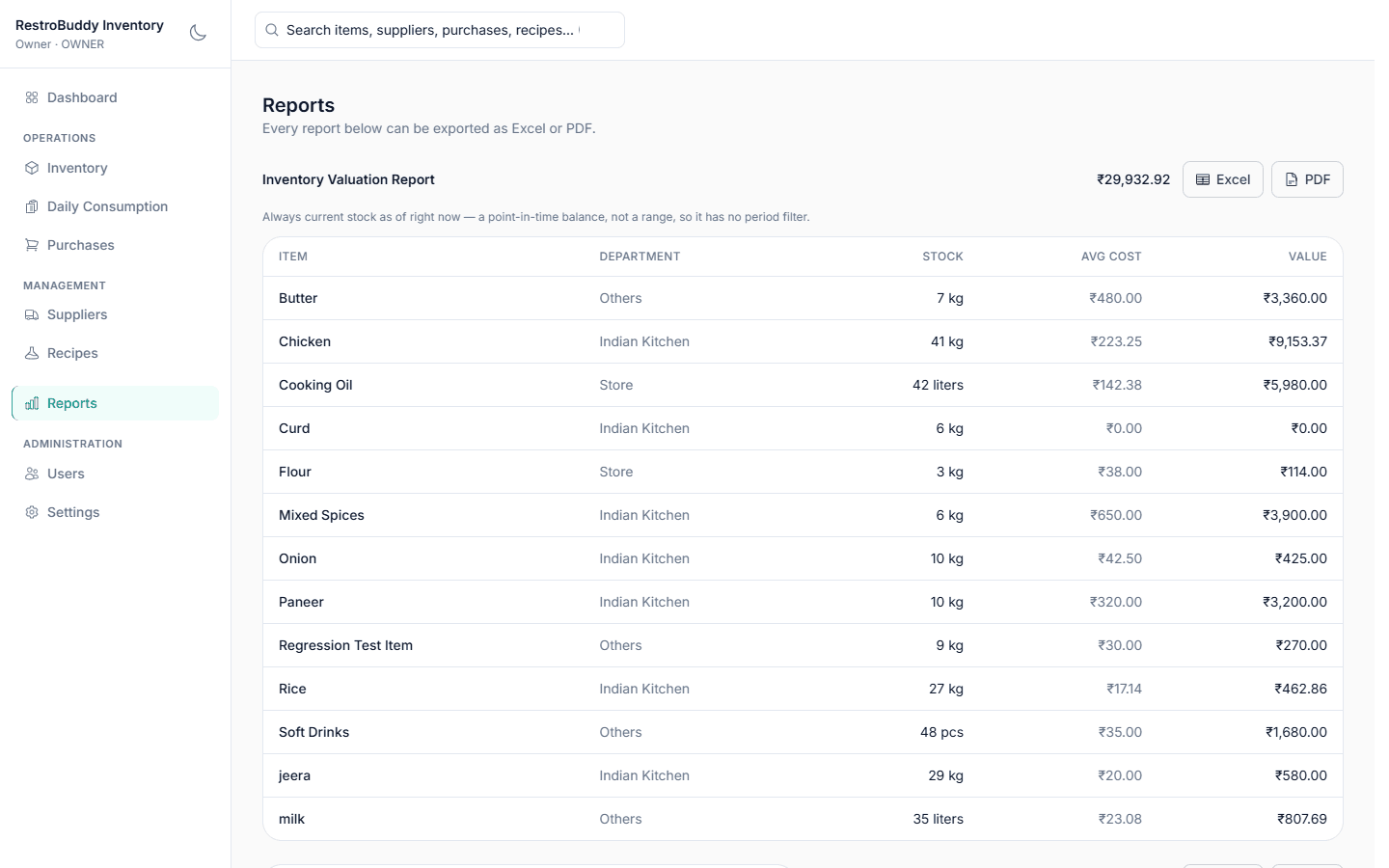
Light mode
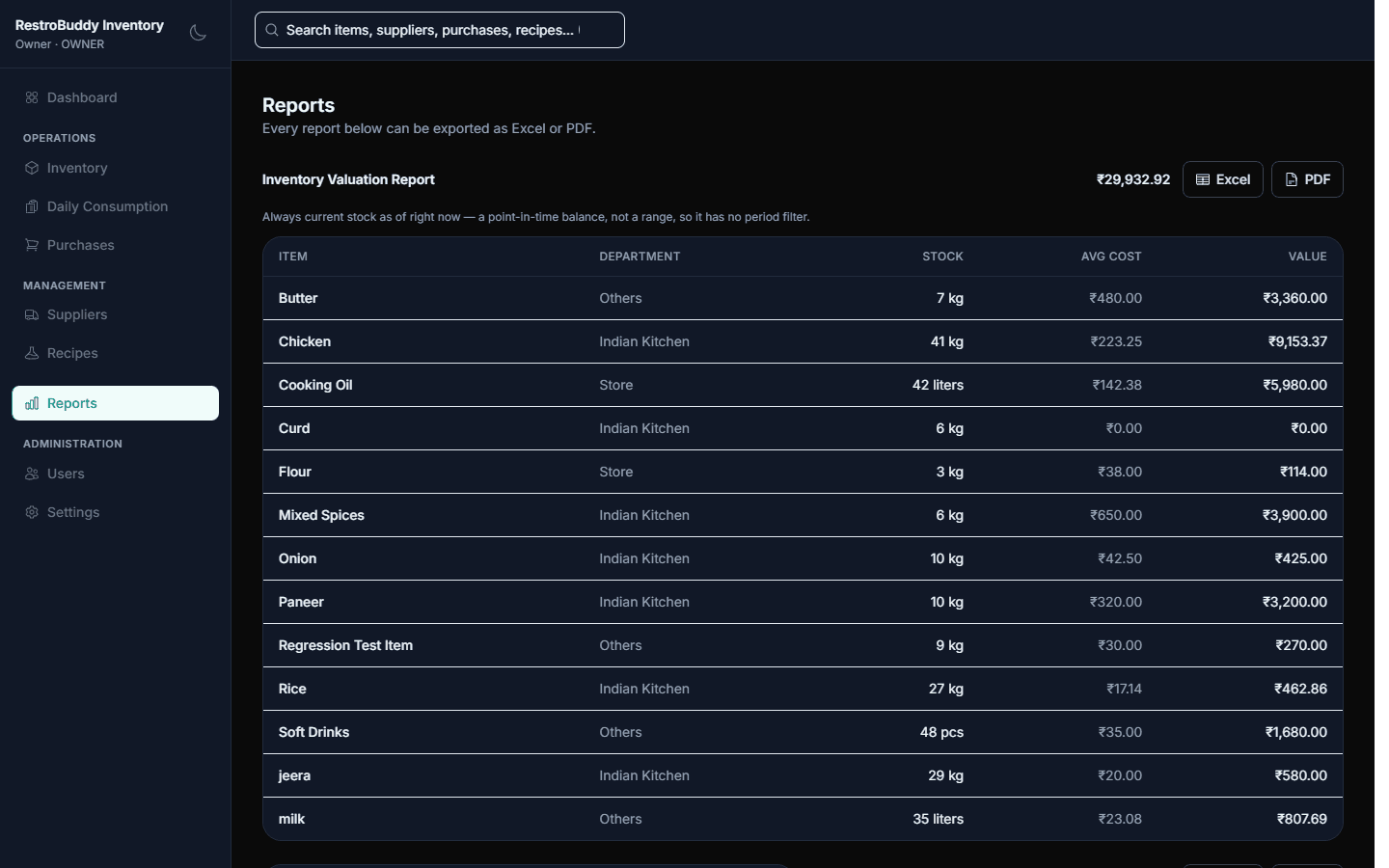
Dark mode
Questions, answered honestly.
Does RestroBuddy Inventory work without internet?
Yes. It's a desktop application that reads and writes a local database on the same machine — recording a purchase or closing a month doesn't depend on reaching an external service.
How does the weighted-average cost stay accurate?
It recalculates automatically on every purchase — there's no separate re-costing step or spreadsheet formula to keep patched.
What happens when a physical count doesn't match the system?
RestroBuddy Inventory automatically creates an audited stock adjustment and updates the ledger — the mismatch gets resolved with a record of why, not just flagged.
Can someone correct a mistaken cost or count?
Yes, with a reason recorded on the ledger — but cost correction is restricted to the Owner and Manager roles.
Do recipes automatically deduct stock when I make a sale?
Recipes deduct every ingredient in one production run when you record that production — it's a deliberate action, not triggered automatically by a POS sale.
What happens at month-end?
A one-click close locks that month's numbers and opens the next month automatically, carrying the closing stock forward as the new opening balance.
Can I control what each staff member can do?
Yes. Everyone signs in with their own account, and the four roles — Owner, Manager, Store Keeper, Kitchen Staff — scope what each one can do, with sensitive actions like user management and month close restricted to Owner and Manager.
Can I get my data back if something goes wrong with the PC?
Yes. RestroBuddy Inventory backs up automatically, and restoring checks the backup file's integrity before swapping it in.
What hardware do I need?
A Windows PC to run RestroBuddy Inventory on your restaurant's own network — no separate server or cloud account required.
See how RestroBuddy Inventory can run your stock
A short walkthrough with your own departments and your own suppliers — no generic sales deck.
Request a Demo