RestroBuddy Payroll
Payroll without the complexity.
Attendance, advances, and payroll for your staff, with a payslip for every employee, every month — running on one PC, without a subscription to an oversized HR suite you'll never fully use.
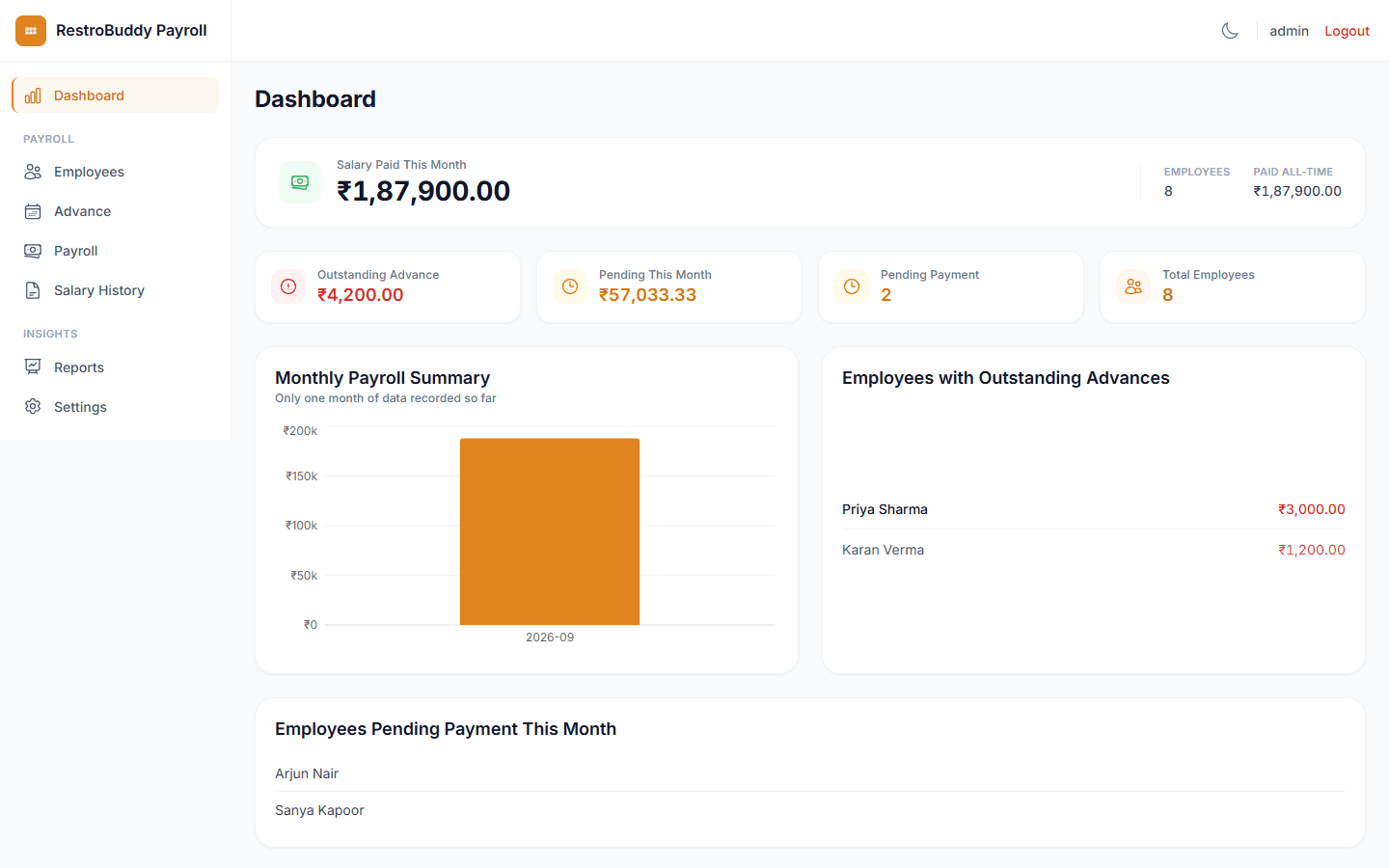
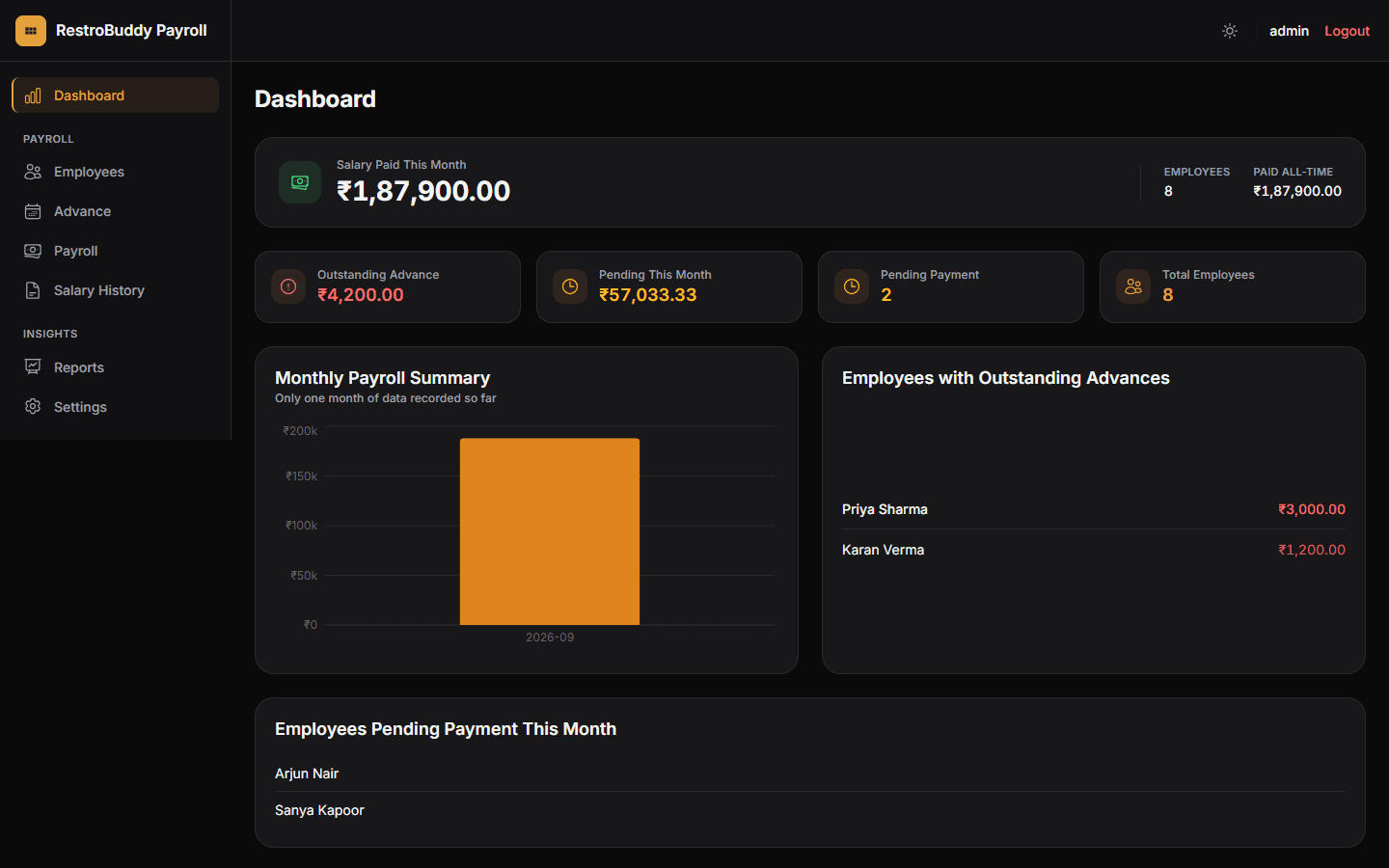
Real RestroBuddy Payroll screenshot — demo data.
RestroBuddy Payroll handles one job well: paying a fixed roster of staff, on time, with a clear record of every advance and every payslip. It runs as a single desktop application on one PC, talking to its own local database — no mandatory cloud account just to run payroll.
How it works
Watch RestroBuddy Payroll operate.
From attendance to a printed payslip — step by step.


See the real screens
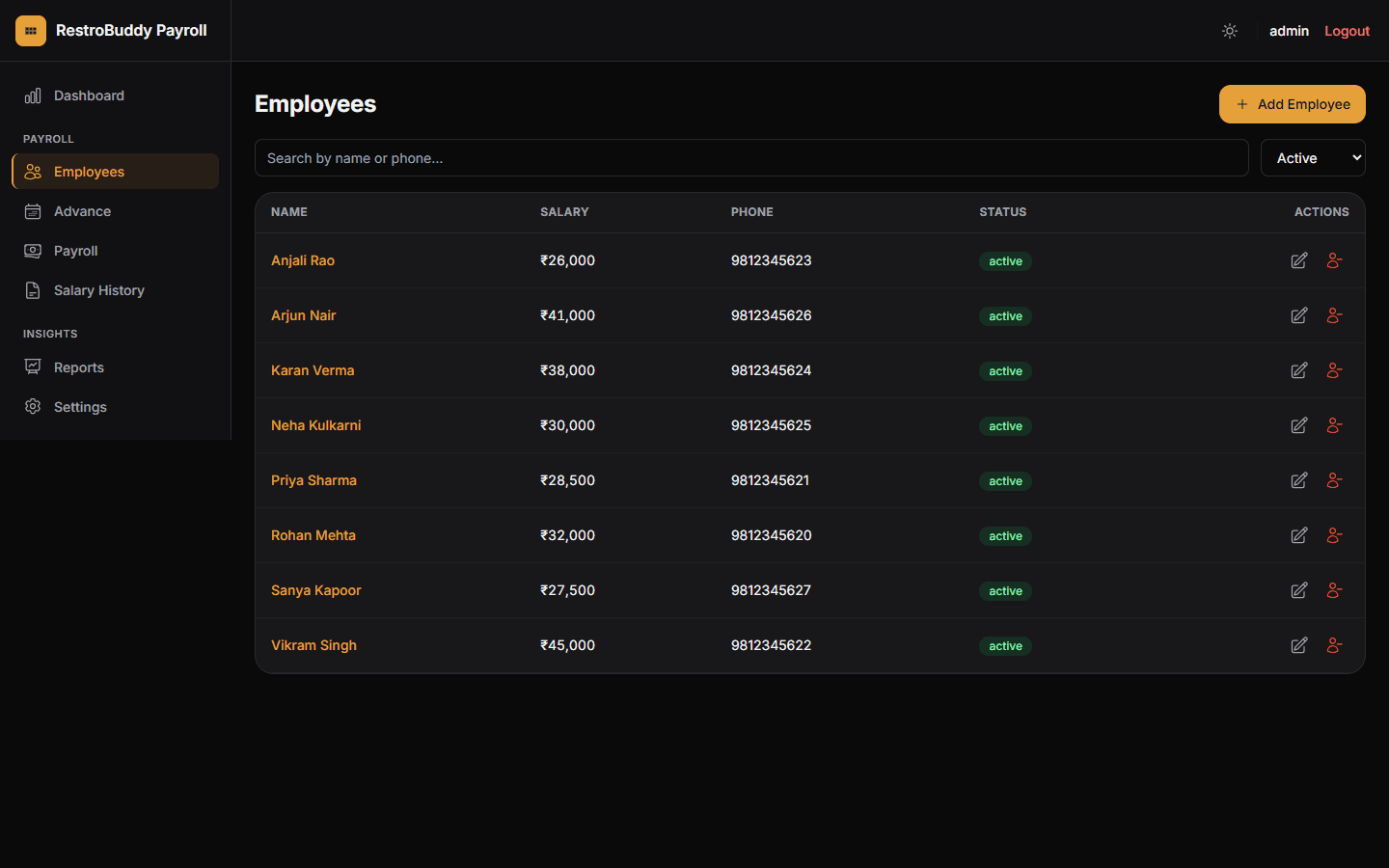
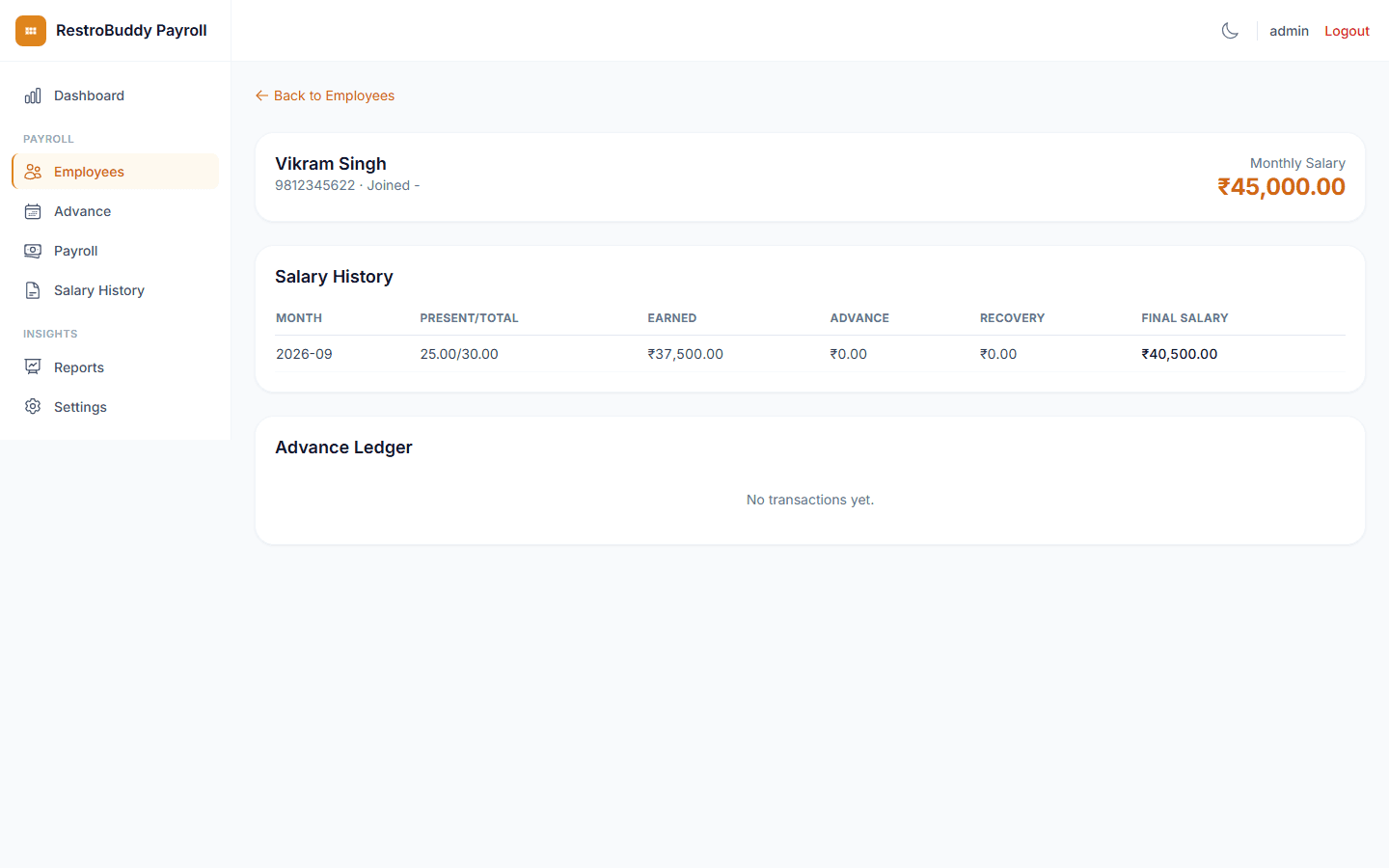
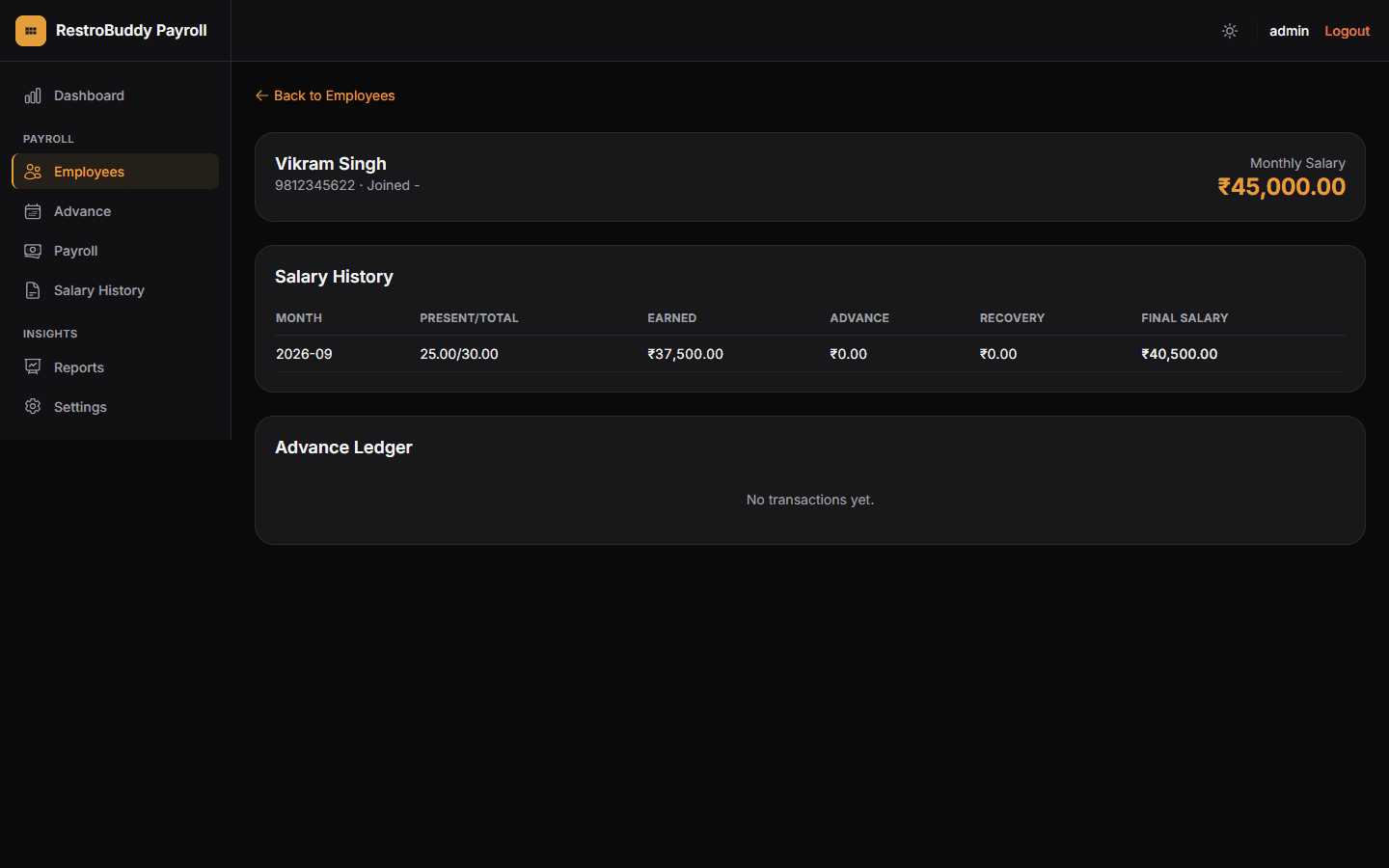
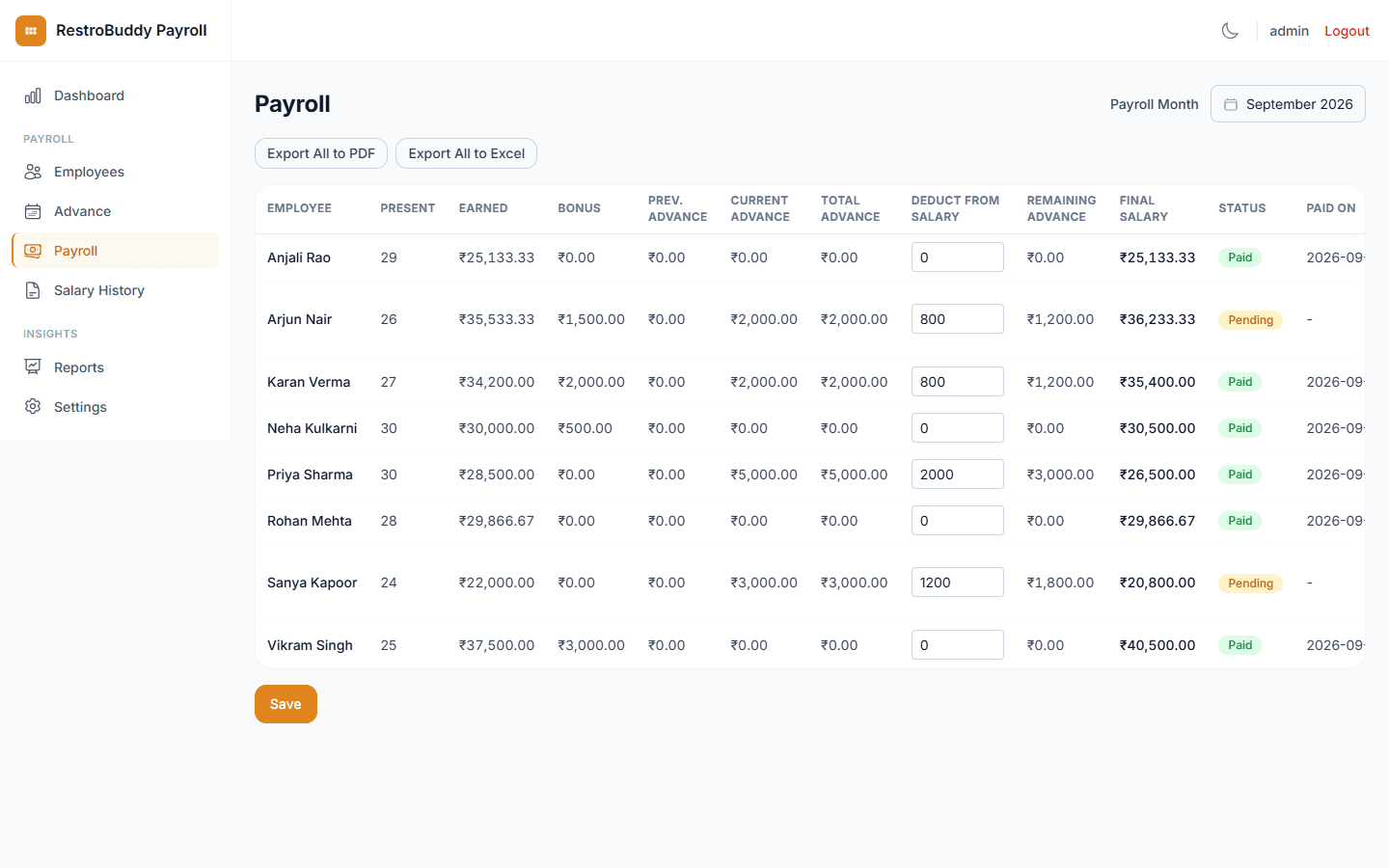
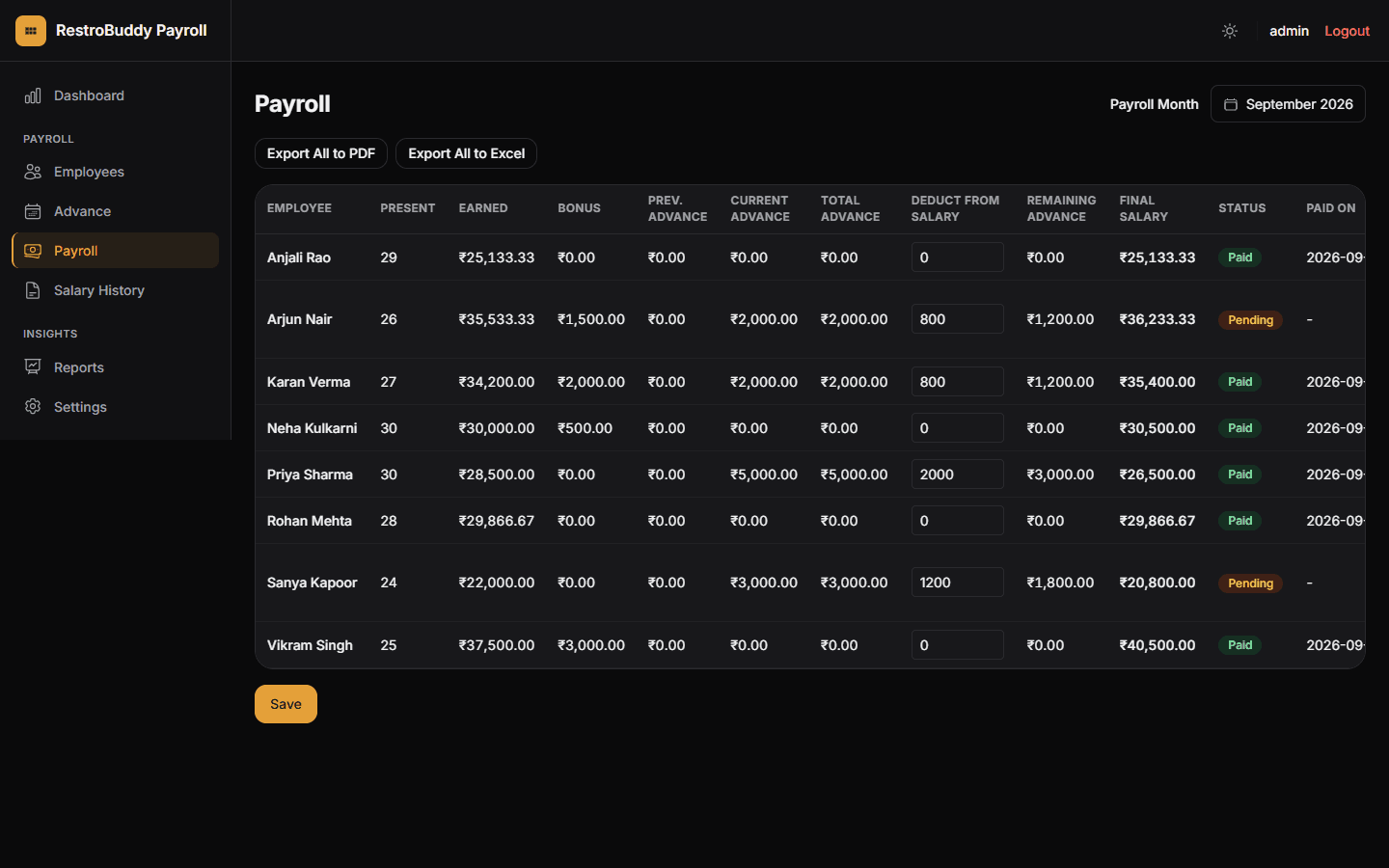
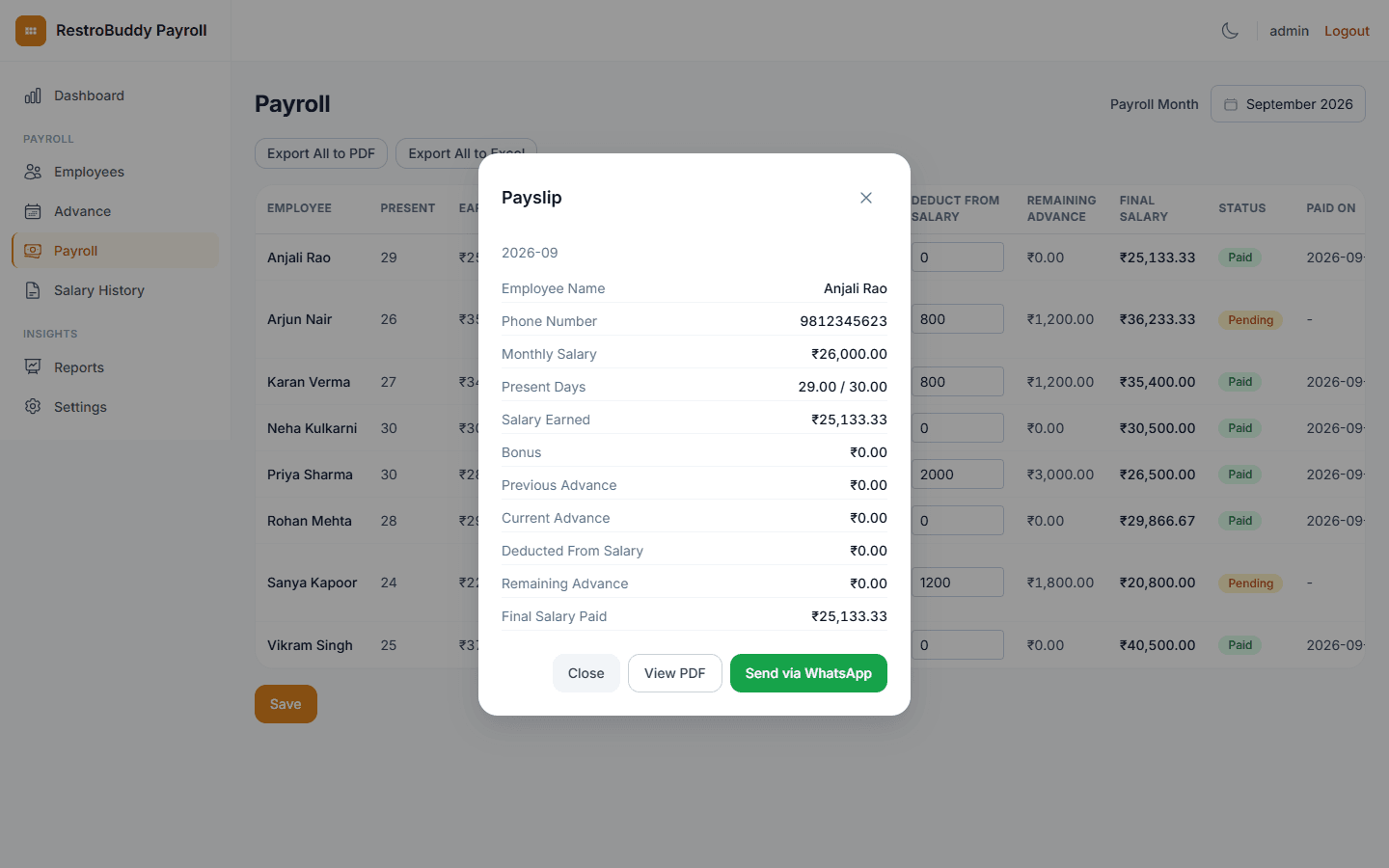
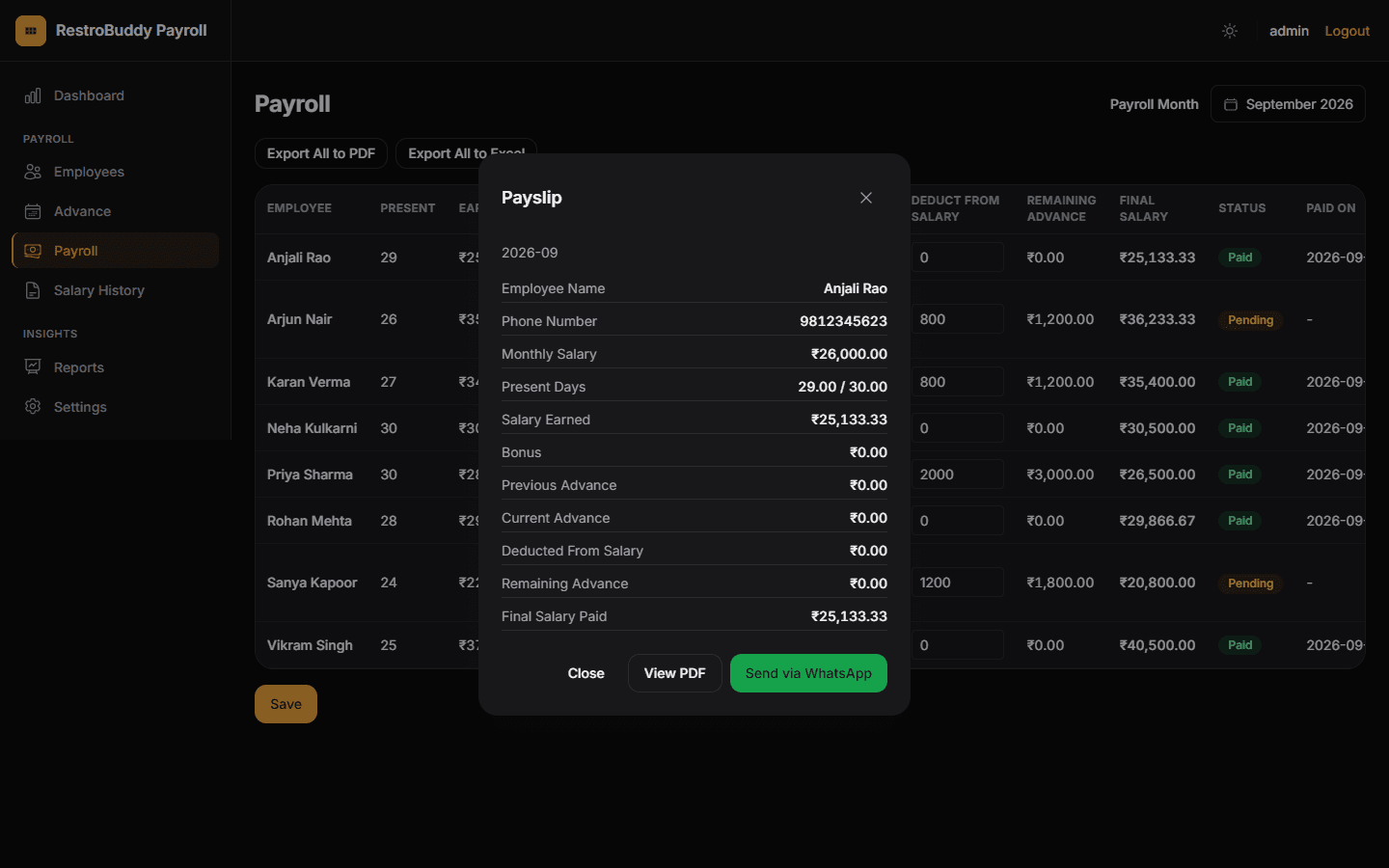
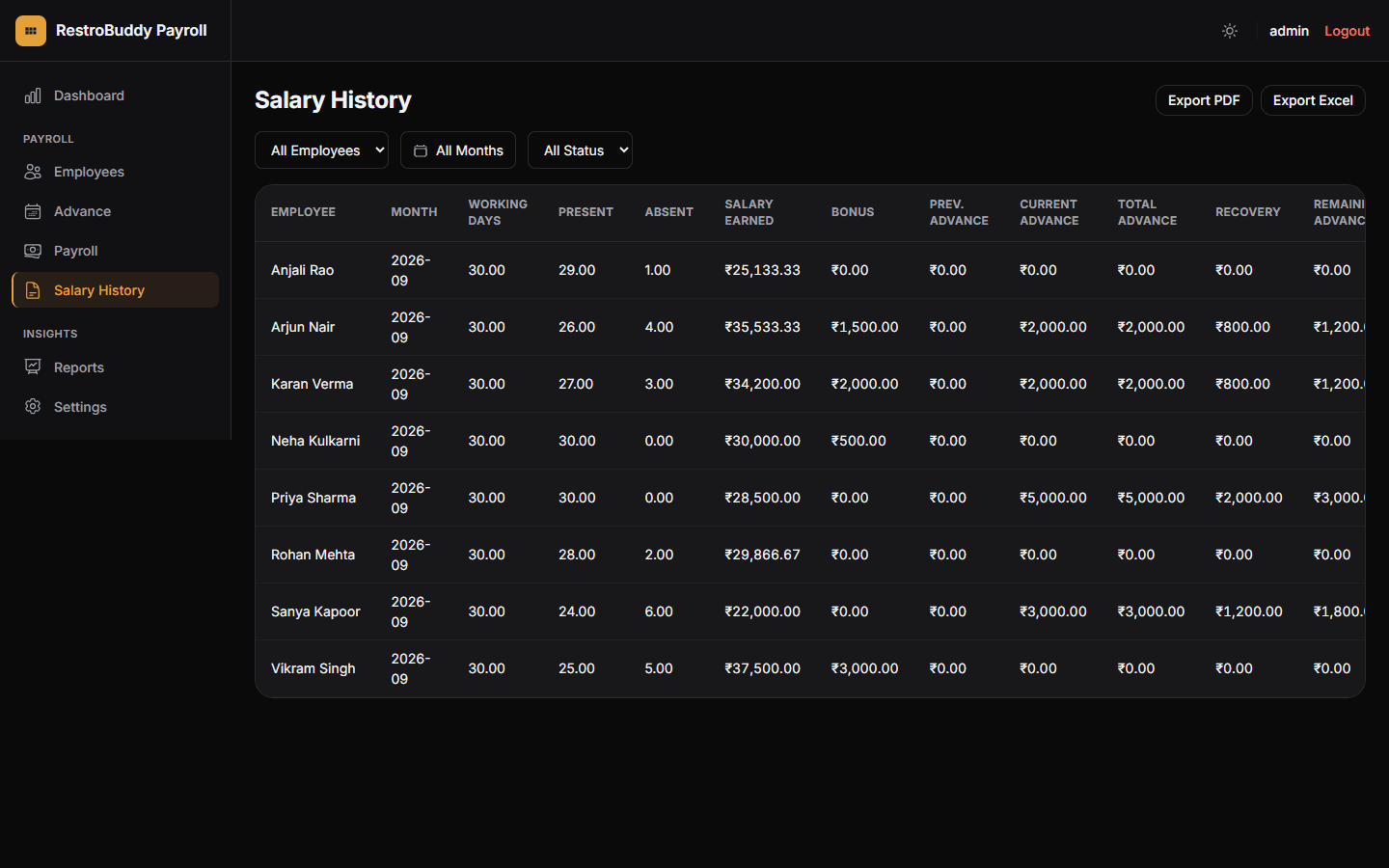
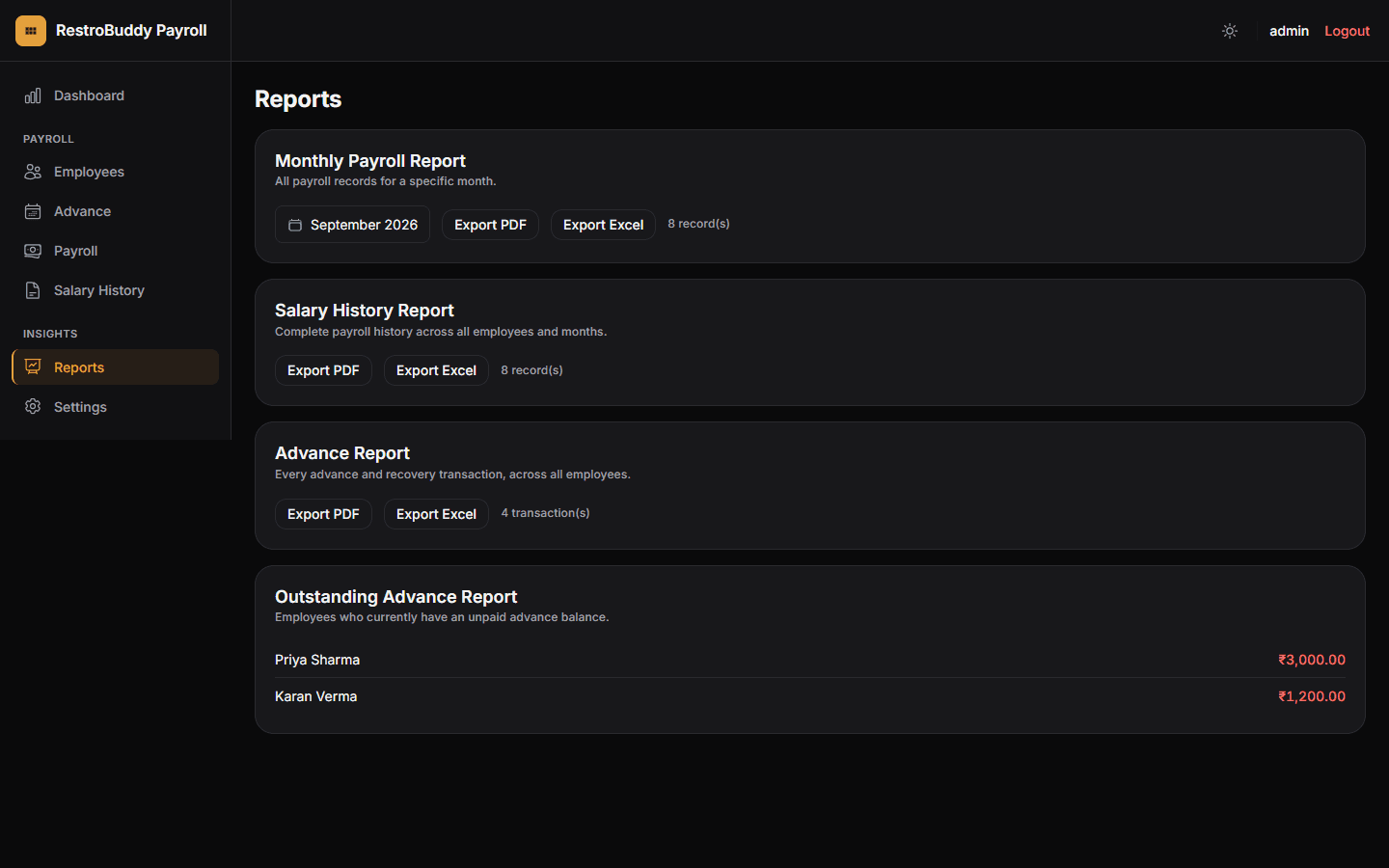
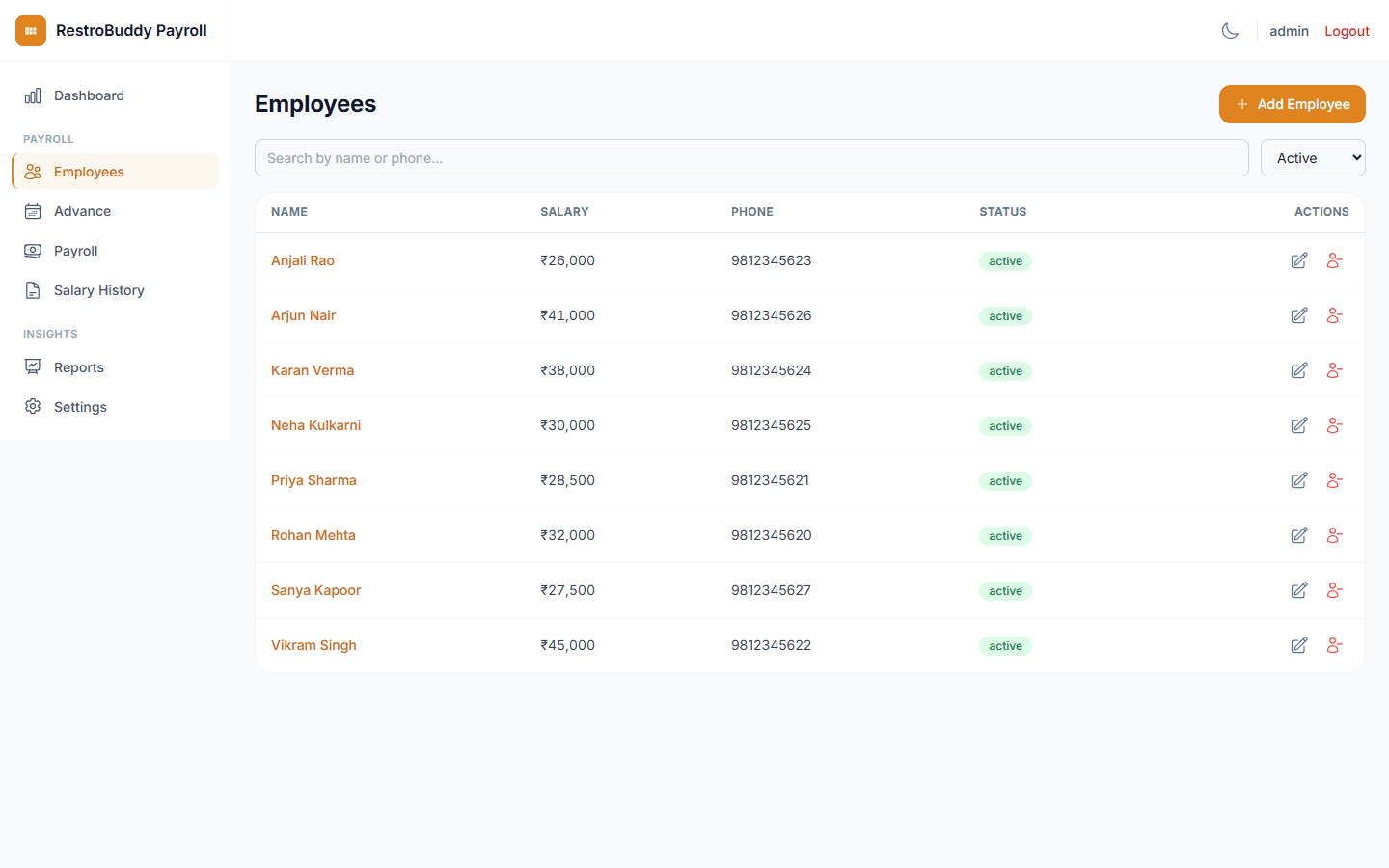
Every screenshot below is a genuine RestroBuddy Payroll capture, running on demo data — the interface keeps evolving, so today's build may look slightly different, but this is the real product, not a mockup. Drag, use the arrows, or the dots below to browse. Arrow keys work too.
What actually makes RestroBuddy Payroll different
Works without the cloud
RestroBuddy Payroll is a single Windows desktop application — the backend serves the app and talks to a local PostgreSQL database on the same machine. Attendance, advances, payroll, and payslips all work without an internet connection.
Built for how small businesses actually pay people
One monthly flow, not four disconnected tools.
Mark attendance
Enter present days for the month, per employee, in one table.
Add bonuses & advances
Record a bonus or a new advance for anyone who needs one, inline.
Run payroll
RestroBuddy Payroll computes per-day salary, earned pay, and advance recovery automatically.
Pay & finalize
Mark paid to lock the month's numbers, then open or print each payslip straight from the table.
A record that doesn't move once it's set
Pick any month to see that month's full payroll table — who was paid, who's still pending, and exactly how each number was worked out. Once an employee is marked paid for that month, their figures are locked in for good.
- See every employee's payroll for any month you pick
- Paid entries can't be changed after the fact
- Open or print any payslip straight from the table
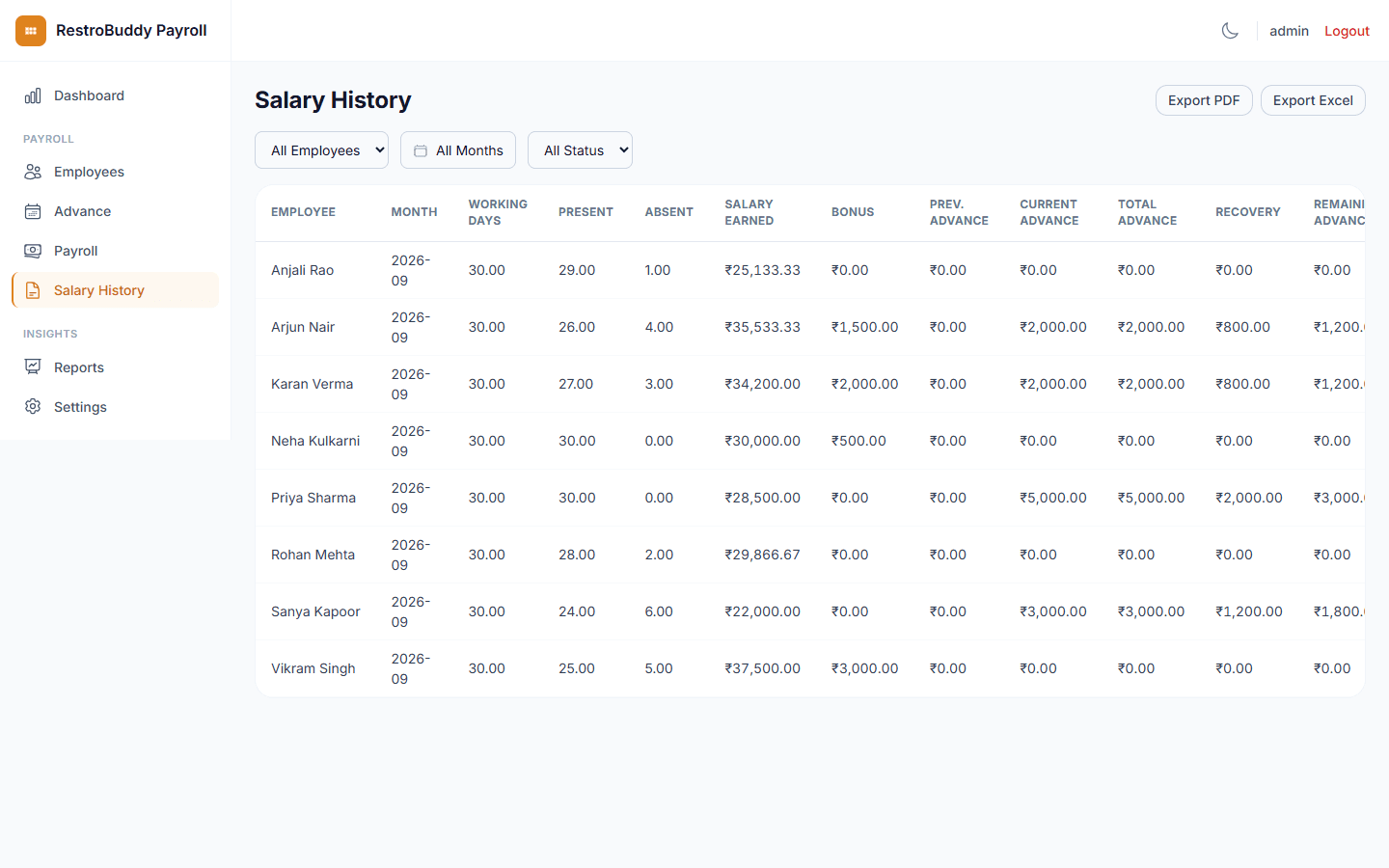
The numbers, without a spreadsheet
Every number on the payroll table is live, not a snapshot someone has to export and reconcile by hand.
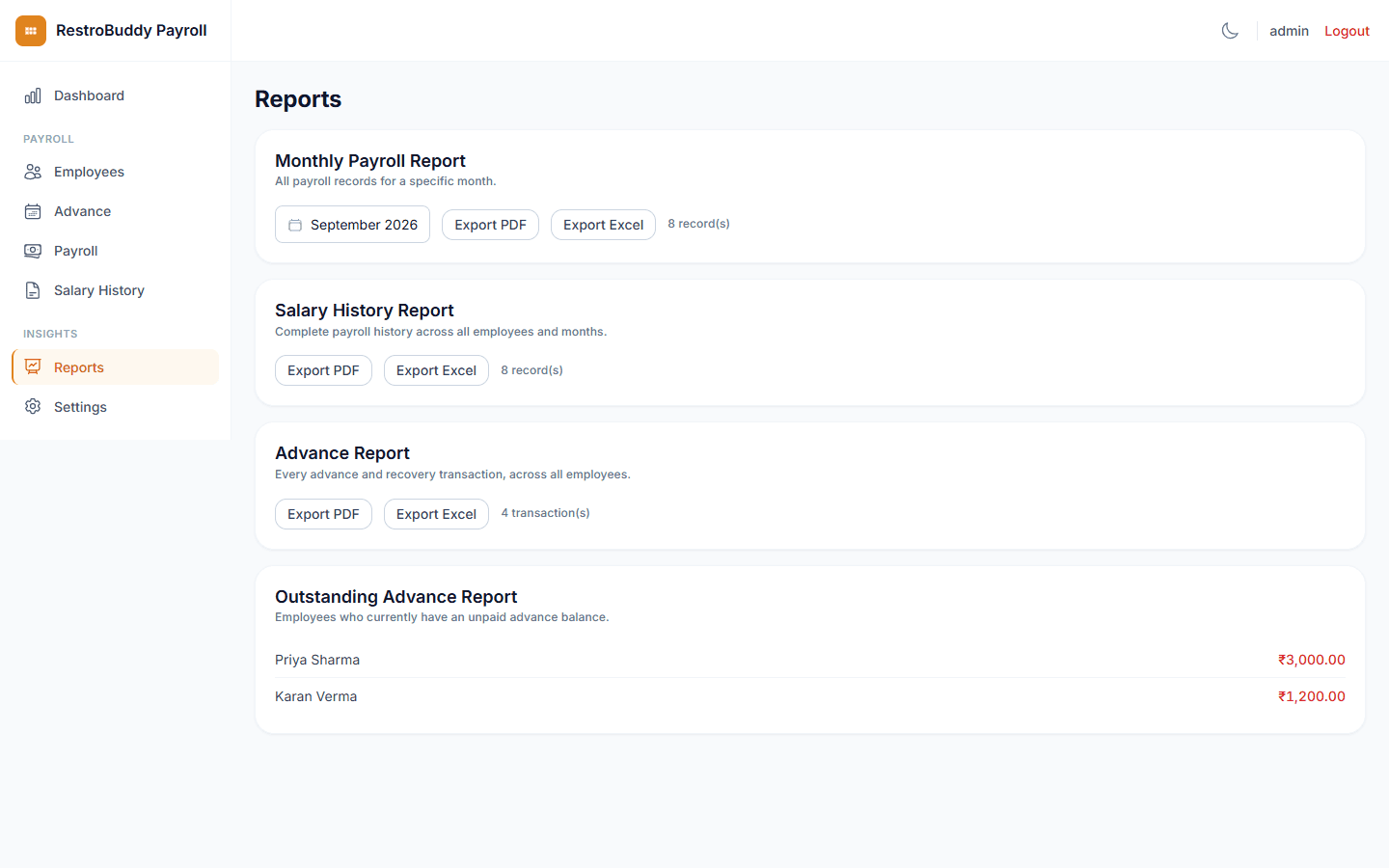
One month, one table
- Pick a month to see every employee's payroll at once
- Earned pay, bonuses, advances, and deductions, side by side
Simple by design
RestroBuddy Payroll doesn't try to be a full HR suite. There's no onboarding wizard, no benefits module, no role hierarchy to configure first — one login, one straightforward flow from attendance to payslip. If your team just needs payroll done properly, that's the whole product.
A dark mode that actually looks dark
RestroBuddy Payroll's dark mode uses a near-black palette rather than the Suite's standard dark slate — toggle the theme in the header to see it reflected across every screen on this page.
Light mode
Dark mode
See how RestroBuddy Payroll can run your payroll
A short walkthrough with your own staff count and your own pay cycle — no generic sales deck.
Request a Demo